How to Protect Your Facebook Account from Hackers and Scammers
In today's digital world, safeguarding your online accounts, especially Facebook, is essential. Hackers are constantly developing new ways to compromise your security, but there are simple and effective steps you can take to protect your account. In this article, we will provide you with valuable tips on how to protect your Facebook account from hackers and scammers.
Why Protecting Your Facebook Account is Crucial
Protecting your Facebook account is crucial because it contains sensitive information about you, such as your personal details, contacts, and photos. If your account is hacked, your personal information can be compromised, and you may fall victim to identity theft or financial scams. Additionally, hackers can also use your account to spread malware, phishing scams, or engage in other malicious activities that can harm your online reputation.
8 Smart, Simple Ways to Protect Your Facebook Account
- Use a Strong Password: Use a unique and complex password that is at least 12 characters long and includes a mix of uppercase and lowercase letters, numbers, and special characters.
- Enable Two-Factor Authentication (2FA): 2FA adds an extra layer of security to your account by requiring you to enter a verification code sent to your phone or email in addition to your password.
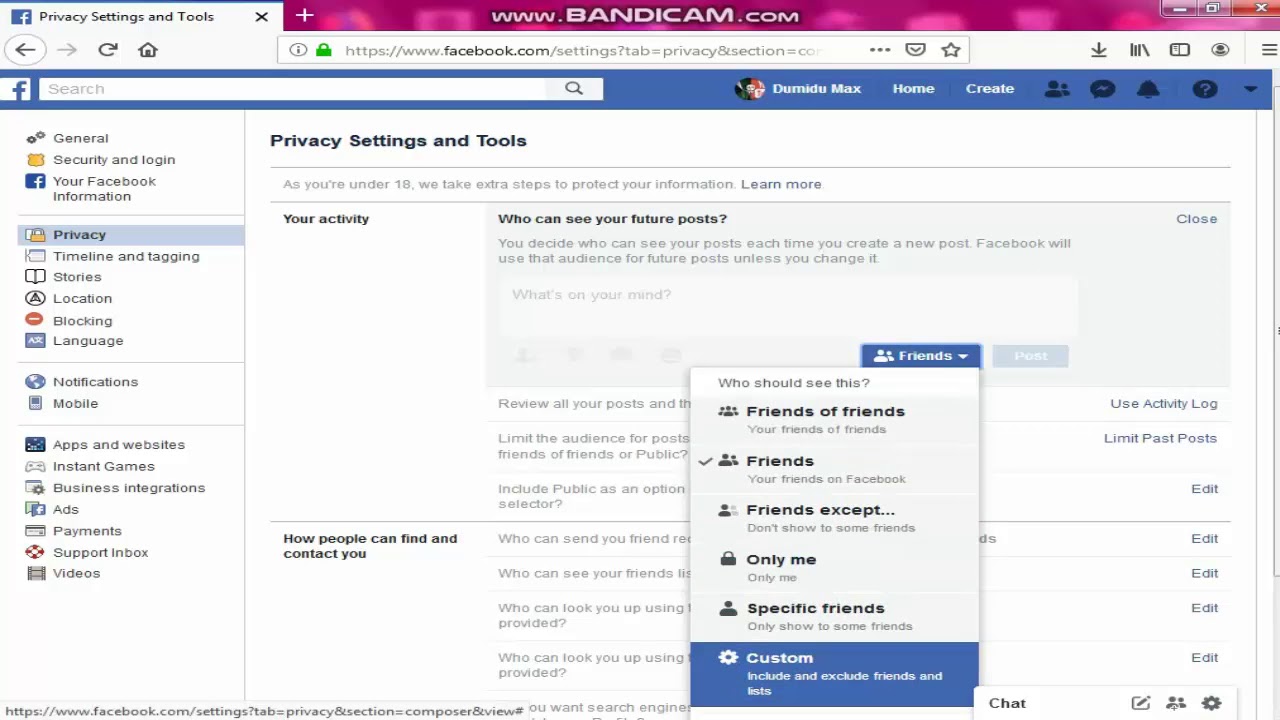
- Regularly Review Your Account Settings: Regularly review your account settings to ensure that you have not inadvertently shared sensitive information or authorized anyone to access your account.
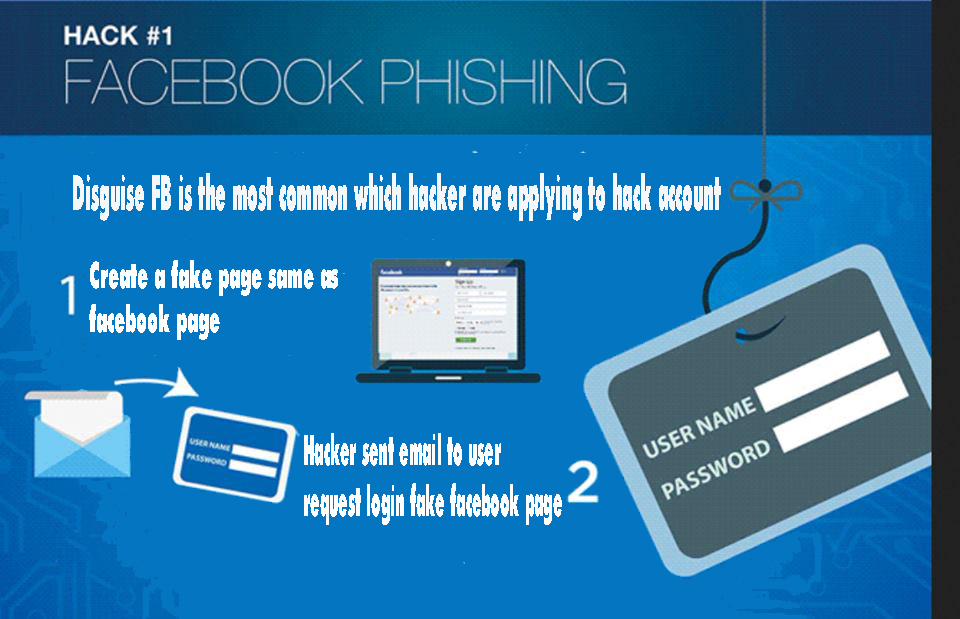
- Be Cautious with Links and Attachments: Be cautious when clicking on links or downloading attachments from unknown sources, as they may contain malware or phishing scams.
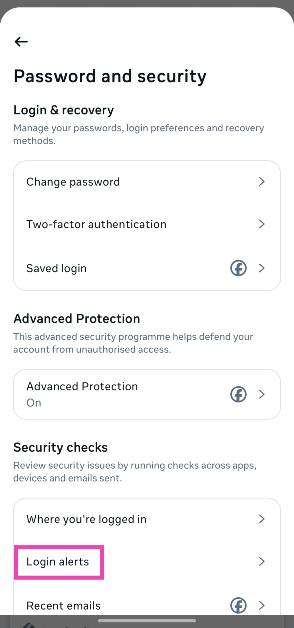
- Use Facebook's Security Features: Use Facebook's built-in security features, such as account recovery and password reset, to help protect your account.
- Keep Your Device and Browser Up-to-Date: Keep your device and browser up-to-date with the latest security patches and updates to prevent hacking and malware attacks.
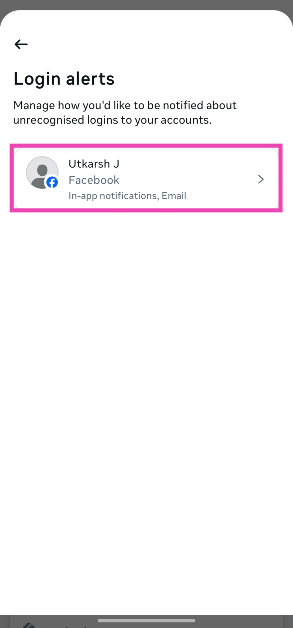
- Monitor Your Account Activity: Regularly monitor your account activity to detect any suspicious activity or unauthorized access.
- Use a Password Manager: Use a password manager to securely store and generate complex passwords for all your online accounts.

Additional Tips to Protect Your Facebook Account
In addition to the above tips, here are some additional tips to protect your Facebook account:
- Don't Share Sensitive Information: Avoid sharing sensitive information, such as your login credentials or financial information, with anyone.
- Use a Secure Internet Connection: Use a secure internet connection, such as a VPN, to protect your data when accessing Facebook on public Wi-Fi networks.
- Be Aware of Phishing Scams: Be aware of phishing scams that may try to trick you into sharing your login credentials or sensitive information.
- Report Suspicious Activity: Report any suspicious activity or unauthorized access to Facebook's support team immediately.
Conclusion
Protecting your Facebook account from hackers and scammers is crucial to safeguard your personal information and online reputation. By following the tips outlined in this article, you can significantly reduce the risk of unauthorized access and ensure the security of your Facebook account. Remember to stay vigilant and regularly review your account settings and activity to detect any suspicious activity.