How to Keep Login Passwords Secure Online: A Comprehensive Guide
In today's digital age, online security is a top concern for individuals and businesses alike. One of the most important ways to ensure that your online accounts are safe and secure is to protect your passwords. This article will provide you with a detailed guide on how to keep login passwords secure online, including tips on creating strong passwords, using password managers, and implementing multi-factor authentication.
Why Password Security Matters
Passwords are one of the least secure ways of protecting your online information. Weak or reused passwords put your personal information at risk, making it vulnerable to password-based attacks. According to recent studies, 69% of Americans report being overwhelmed by the number of passwords they need to keep track of, making password management a significant challenge.
Create Strong Passwords
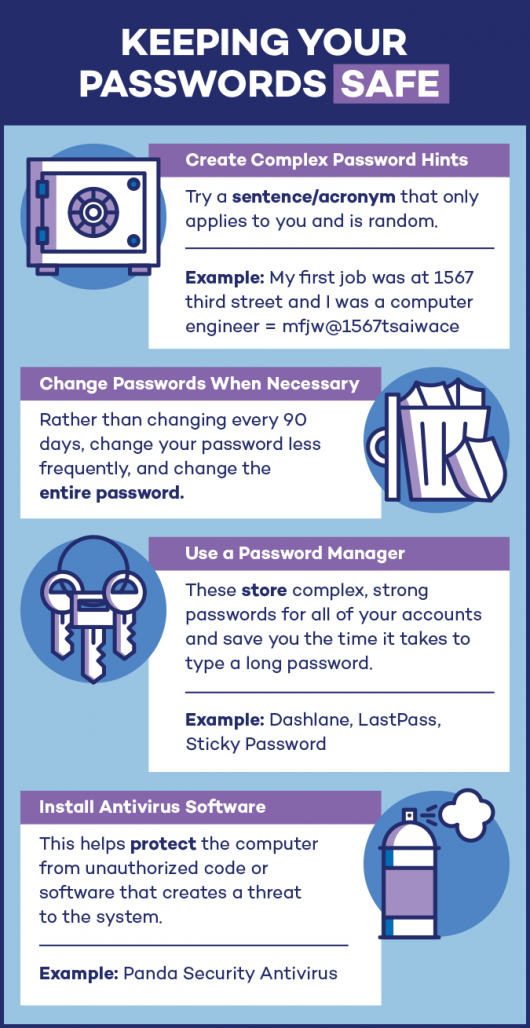
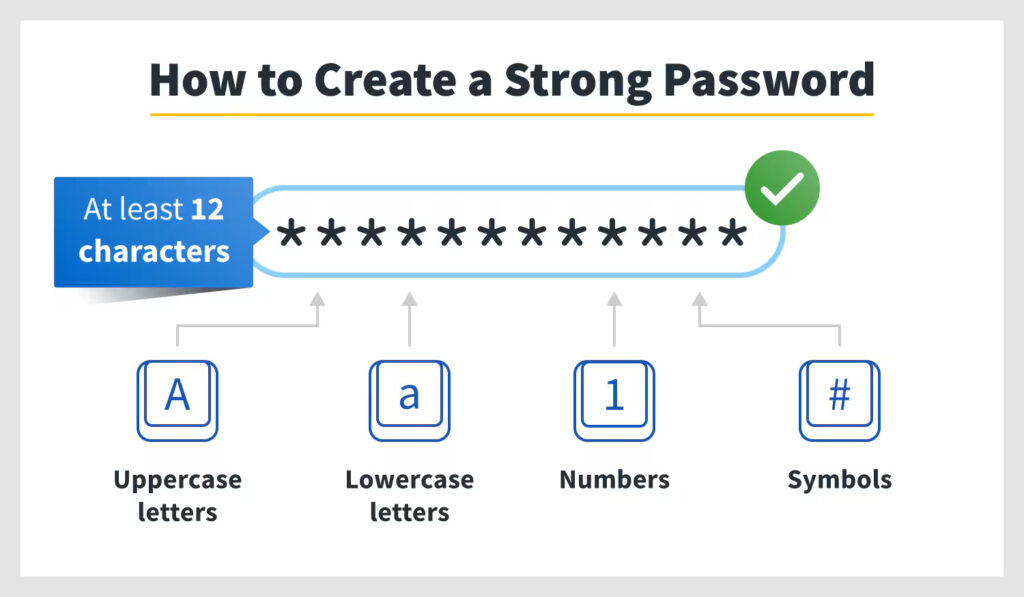
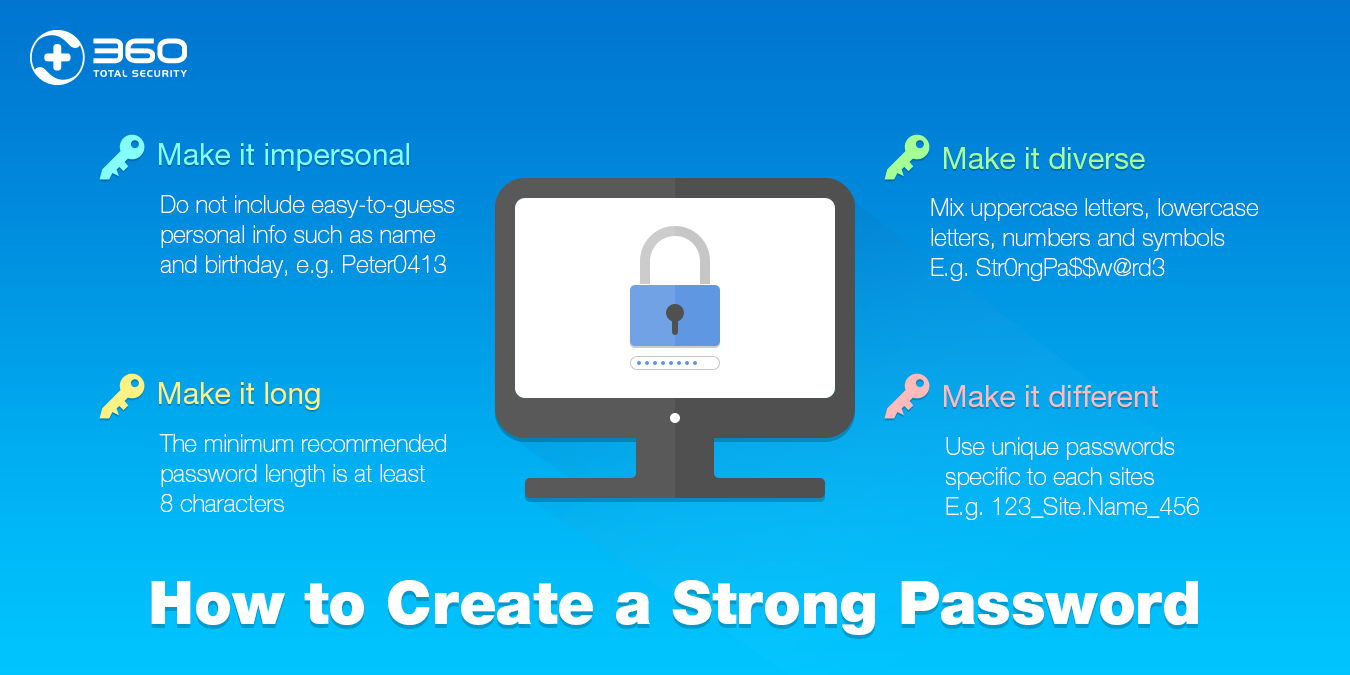
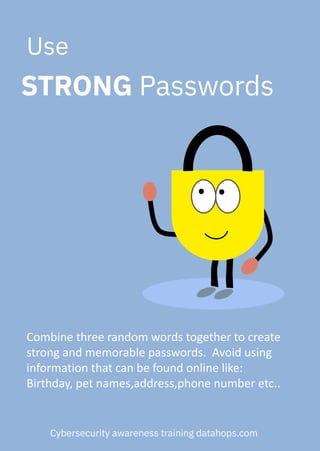
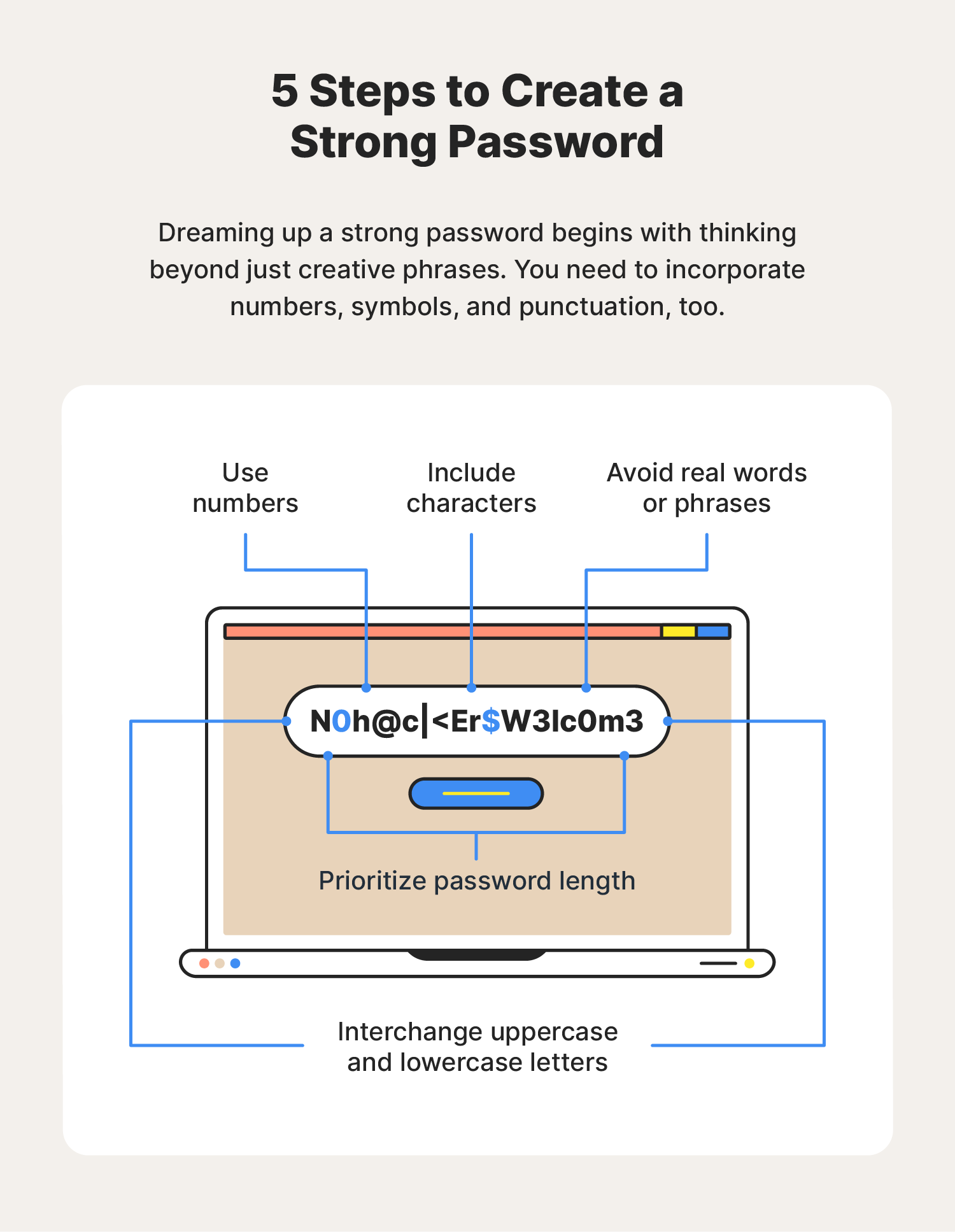
Password security starts with creating a strong password. A strong password is at least 12 characters long but 14 or more is better. It should be a combination of uppercase letters, lowercase letters, numbers, and special characters. Avoid using easily guessable information such as your name, birthdate, or common words.
- Use a combination of uppercase and lowercase letters
- Include numbers and special characters
- Avoid easily guessable information
- Use a password generator to create strong, unique passwords
Use a Password Manager
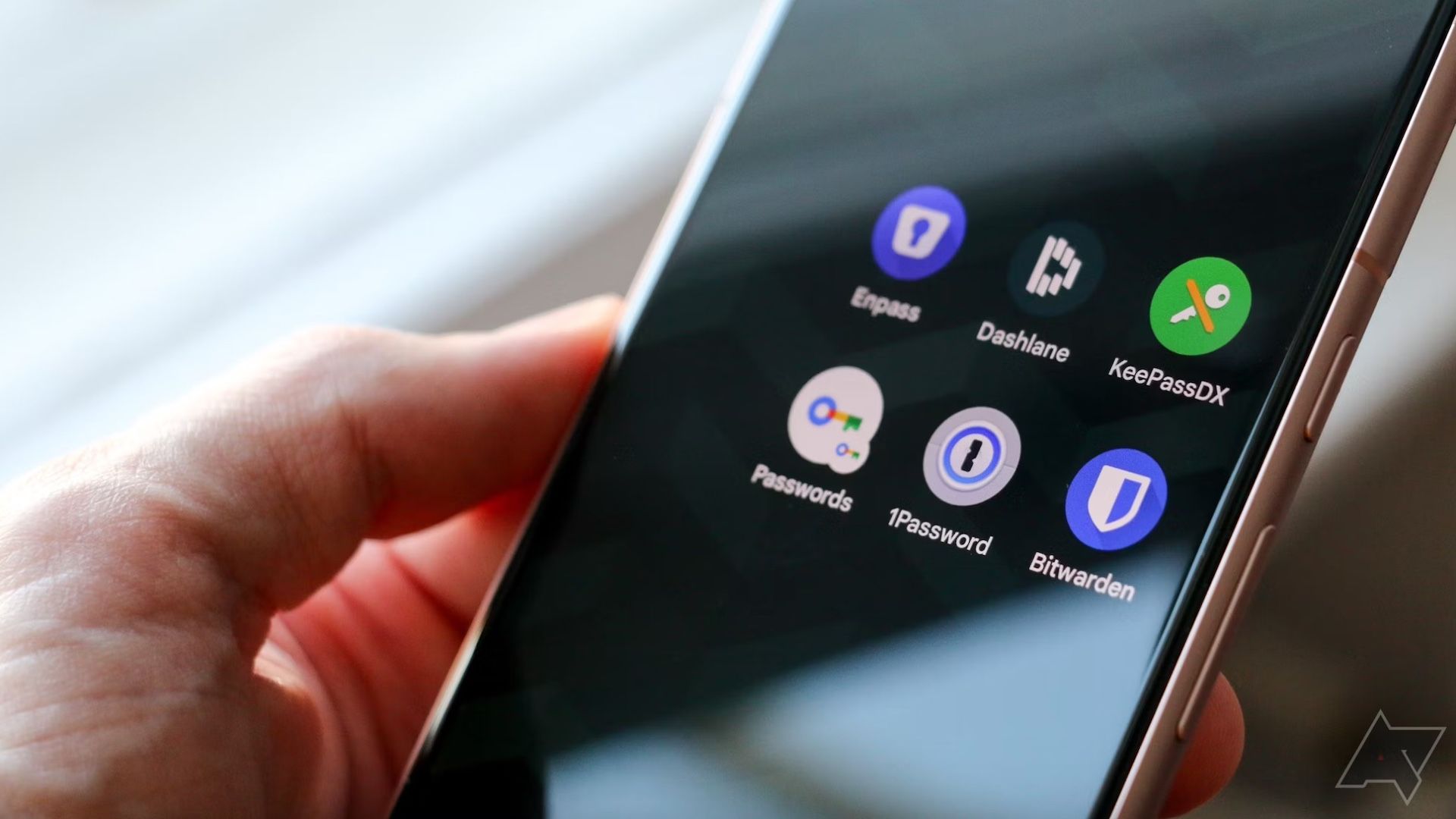
A password manager simplifies your login experience by securely logging into your accounts for you. It generates, stores, and autofills strong, unique passwords for each of your accounts, and can sync your passwords across all your devices.
- Use a reputable password manager such as 1Password or NordPass
- Generate strong, unique passwords for each account
- Enable two-factor authentication (2FA) for an extra layer of security
- Use a password manager to autofill login credentials
Implement Multi-Factor Authentication (MFA)
MFA adds an extra layer of security to your online accounts by requiring you to provide a second form of verification in addition to your password. This can be a code sent to your phone, a biometric scan, or a passkey.
- Enable MFA on your online accounts
- Use a biometric scan such as a fingerprint or facial recognition
- Use a passkey or cryptographic key for an extra layer of security
- Use a password manager to autofill MFA codes
Stay Vigilant: Be Wary of Phishing
Phishing is a common tactic used by hackers to trick you into revealing your login credentials. Be cautious of suspicious emails or messages that ask you to log in or provide sensitive information.
- Be cautious of suspicious emails or messages
- Verify the authenticity of the message before logging in
- Use a password manager to autofill login credentials
- Enable MFA to add an extra layer of security
Final Thoughts
Strong password security doesn't have to be complicated. By following these simple tips, you can keep your login passwords secure online and protect your personal information from password-based attacks. Remember to create strong passwords, use a password manager, implement MFA, and stay vigilant against phishing attempts.
Additional Resources
For more information on how to keep login passwords secure online, check out the following resources:
- Bitwarden Password Tester: A free and easy-to-use tool to test the strength of your passwords
- Strong Password Generator: A tool to generate strong, unique passwords
- 1Password: A reputable password manager that generates, stores, and autofills strong, unique passwords