Designing a Small Business Logo: A Comprehensive Guide
Designing a logo for your small business can be a daunting task, but with the right guidance, it can also be a fun and creative experience. A well-designed logo is essential for any business, as it serves as the visual representation of your brand and can greatly impact how customers perceive you. In this article, we'll explore the importance of logos, how to design a logo, and what tools and resources are available to help you create the perfect logo for your small business.
The Importance of a Logo
A logo is one of the first things that customers notice about your business, and it plays a significant role in shaping their perception of your brand. A good logo can convey a sense of professionalism, trust, and quality, while a poorly designed logo can give the opposite impression. A logo can also help to differentiate your business from competitors and make your brand more memorable.
Designing a Logo: A Step-by-Step Guide
Designing a logo requires several steps, including brainstorming, sketching, and refining your design. Here's a step-by-step guide to help you design a logo for your small business:
- Brainstorming: Start by brainstorming ideas for your logo. Think about your business's values, mission, and unique selling points. Jot down keywords, words, and phrases that come to mind.
- Sketching: Sketch out ideas for your logo. Use paper and pencils to create rough sketches of different logo concepts. Experiment with different shapes, colors, and font styles.
- Refining: Refine your design by selecting the most promising ideas and tweaking them until you have a final design.
- Vectorization: Once you have a final design, vectorize it to ensure that it can be scaled up or down without losing its quality.
Tools and Resources for Designing a Logo
There are many tools and resources available to help you design a logo for your small business. Here are a few options:
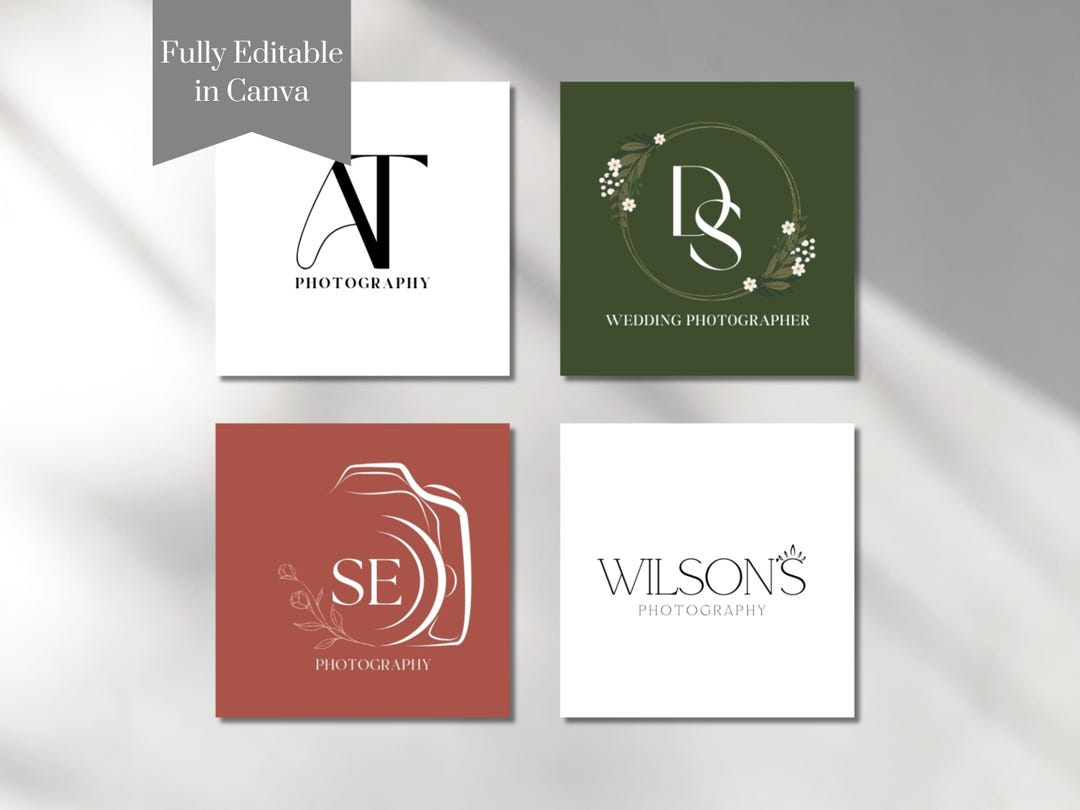
- Canva: Canva is a popular graphic design platform that offers a wide range of templates, fonts, and design elements to help you create a logo.
- Adobe Express: Adobe Express is a design platform that offers a range of tools and resources to help you create a logo, including a logo maker and design templates.
- LogoDesign.Net: LogoDesign.Net is a free online logo maker that offers a range of templates, design elements, and customization options to help you create a logo.
- Design.com: Design.com is a design platform that offers a range of tools and resources to help you create a logo, including a logo maker and design templates.
- Freelogo: Freelogo is a free online logo generator that allows you to create a logo in just a few minutes.
Best Practices for Designing a Logo
When designing a logo for your small business, there are several best practices to keep in mind. Here are a few:
- Keep it simple: A simple logo is more effective than a complex one. Avoid clutter and keep your design clean and easy to read.
- Use bold colors: Bold colors can help your logo stand out and grab attention. However, be mindful of color theory and ensure that your colors complement each other.
- Be consistent: Consistency is key when it comes to logos. Ensure that your logo looks the same across all platforms, including your website, social media, and business cards.
- Make it scalable: Your logo should be scalable and look good on various devices, from business cards to billboards.
Conclusion
Designing a small business logo can be a fun and creative experience, but it requires thought, effort, and attention to detail. By following the steps outlined in this guide and using the tools and resources available, you can create a logo that effectively represents your brand and sets you apart from the competition.