Protecting Your Wi-Fi Network from Unauthorized Devices: A Comprehensive Guide
With the increasing dependence on wireless connectivity, protecting your Wi-Fi network from unauthorized devices is more important than ever. In this article, we will discuss the risks associated with unsecured Wi-Fi networks and provide you with actionable tips on how to prevent unauthorized access to your network.
Why Protecting Your Wi-Fi Network is Essential
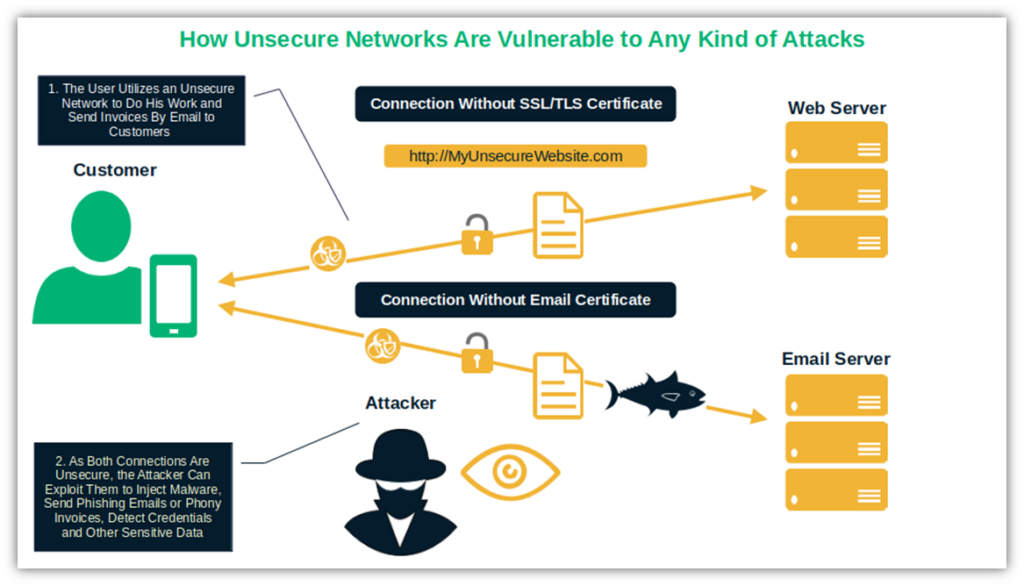
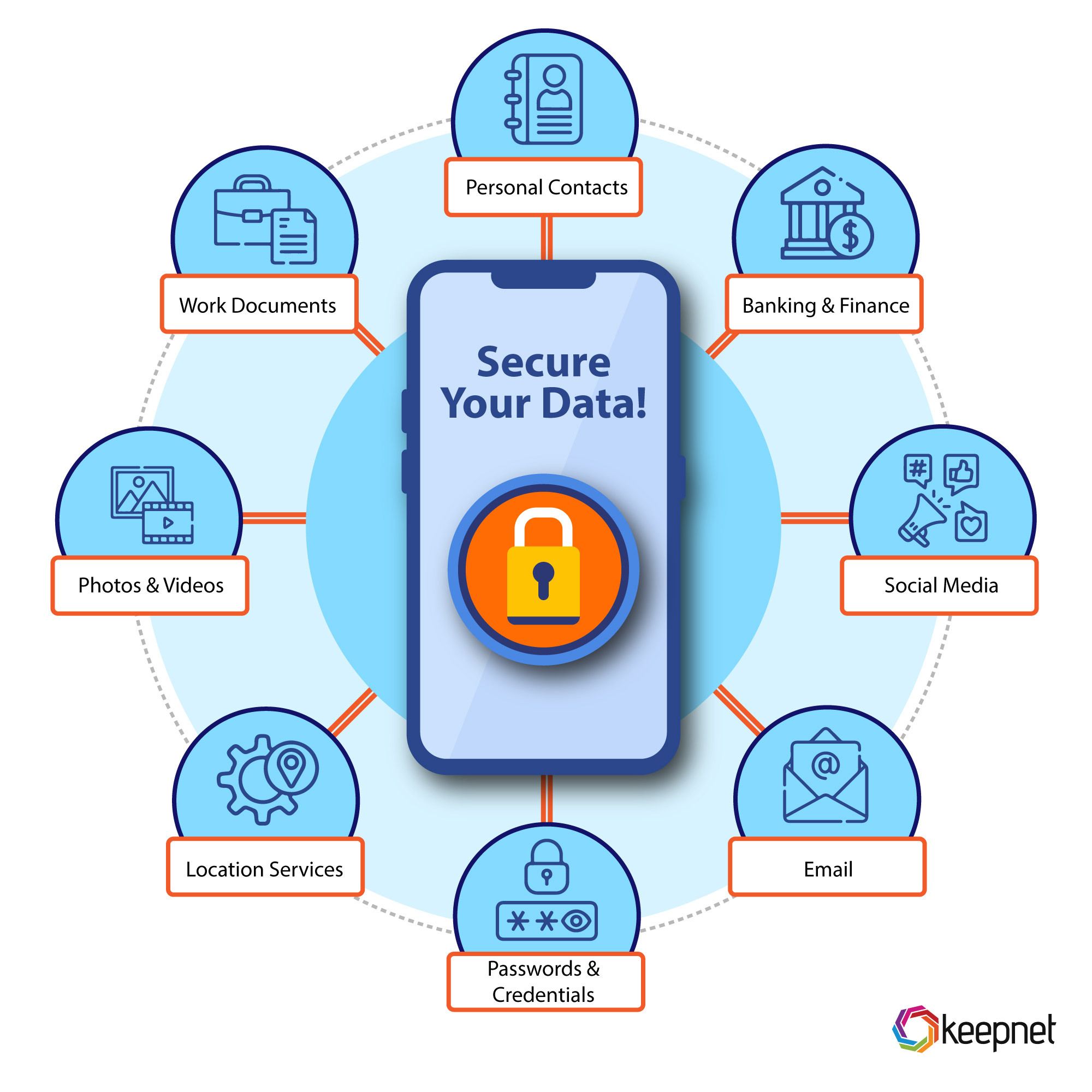
A stable and secure Wi-Fi network is crucial for both work and leisure. However, the convenience of wireless connectivity also makes it susceptible to unauthorized access. Unsecured Wi-Fi networks can be vulnerable to hackers, who can intercept your data or access your devices without authorization. This can lead to identity theft, data breaches, and compromised personal information.
Monitoring Your Wi-Fi Network
To protect your network from unauthorized access, it is essential to regularly monitor the devices connected to your router. To do this, go to your router's web interface and look for connected devices, wireless clients, or DHCP clients. Remove any unknown devices that are not yours to prevent unauthorized users from accessing your network.
Protecting Your Devices Connected to Your Router
- Change the default username and password: If your device came with a default username and password out of the box, change it as soon as possible. This is the first step in securing your device and preventing unauthorized access.
- Update firmware and software: Regularly update your router's firmware and device software to ensure you have the latest security patches and features.
- Disable WPS and UPnP: Disable Wi-Fi Protected Setup (WPS) and Universal Plug and Play (UPnP) to prevent unauthorized access to your network.
- Enable two-factor authentication: Enable two-factor authentication to add an extra layer of security to your network. This requires users to enter a code sent to their phone or email in addition to their password.
- Set up a guest network: Set up a guest network to isolate visitors from your main network and prevent them from accessing sensitive data.
- Disable device bandwidth limiting: Disable device bandwidth limiting to prevent unauthorized users from slowing down your network.
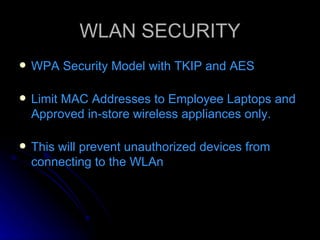
- Set up MAC address filtering: Set up MAC address filtering to allow only authorized devices to connect to your network.
- Keep your network encryption up-to-date: Ensure your network encryption is up-to-date and use the latest WPA3 standard for maximum security.
- Regularly back up your data: Regularly back up your data to prevent loss in case of a security breach or unauthorized access.
- Monitor your network regularly: Regularly monitor your network for unauthorized devices and unusual activity.
Additional Measures to Secure Your Wi-Fi Network
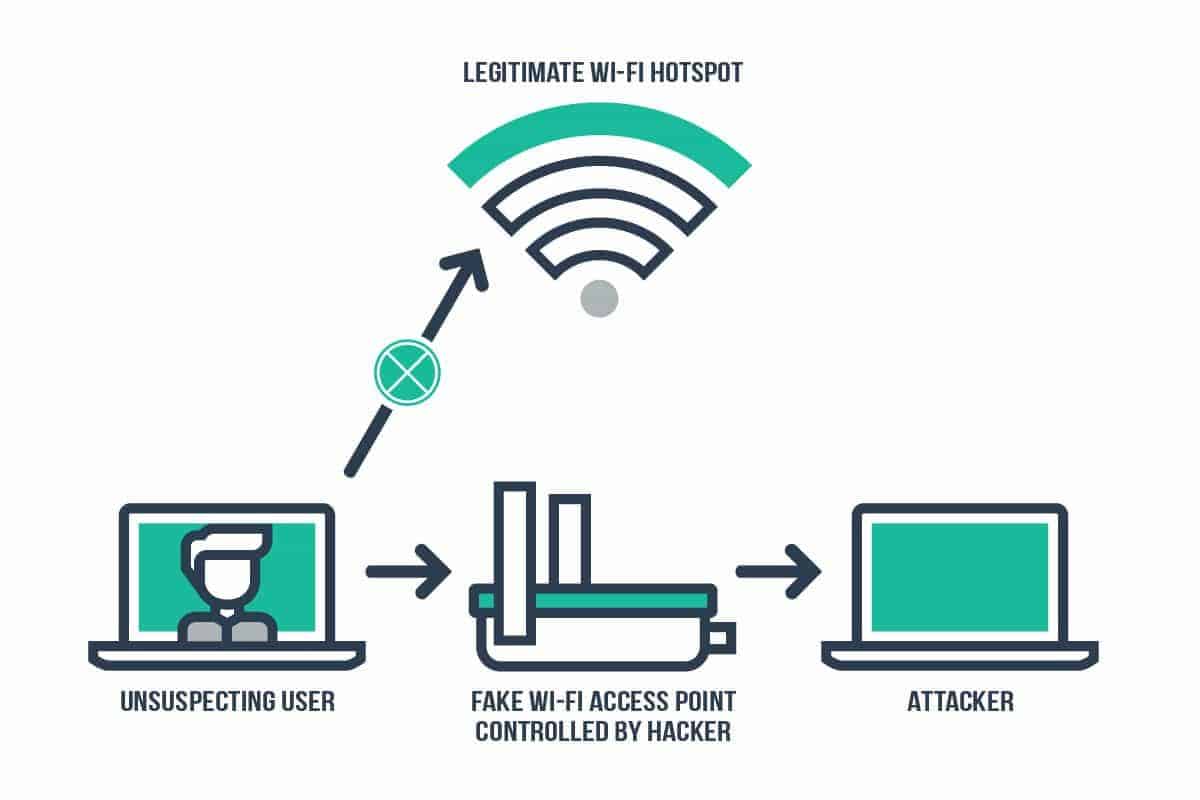
In addition to the measures mentioned above, there are several other steps you can take to secure your Wi-Fi network:
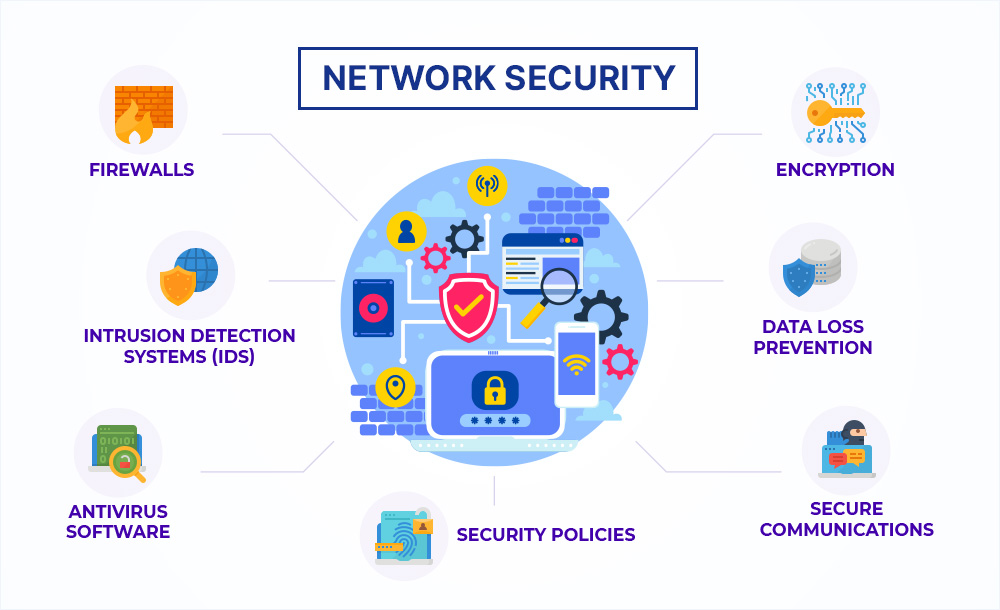
- Use a VPN: Use a Virtual Private Network (VPN) to encrypt your internet traffic and protect your data from prying eyes.
- Use a firewall: Use a firewall to block unauthorized access to your network and devices.
- Use anti-virus software: Use anti-virus software to protect your devices from malware and viruses.
- Keep your network logs: Keep a record of all network activity to detect any unauthorized access or unusual activity.
Conclusion
Protecting your Wi-Fi network from unauthorized devices is crucial in today's digital age. By following the tips and measures outlined in this article, you can secure your network and prevent unauthorized access. Remember to regularly monitor your network, update your software, and use security features like two-factor authentication and a VPN to stay ahead of cyber threats.
Final Tips
Here are some final tips to keep in mind:
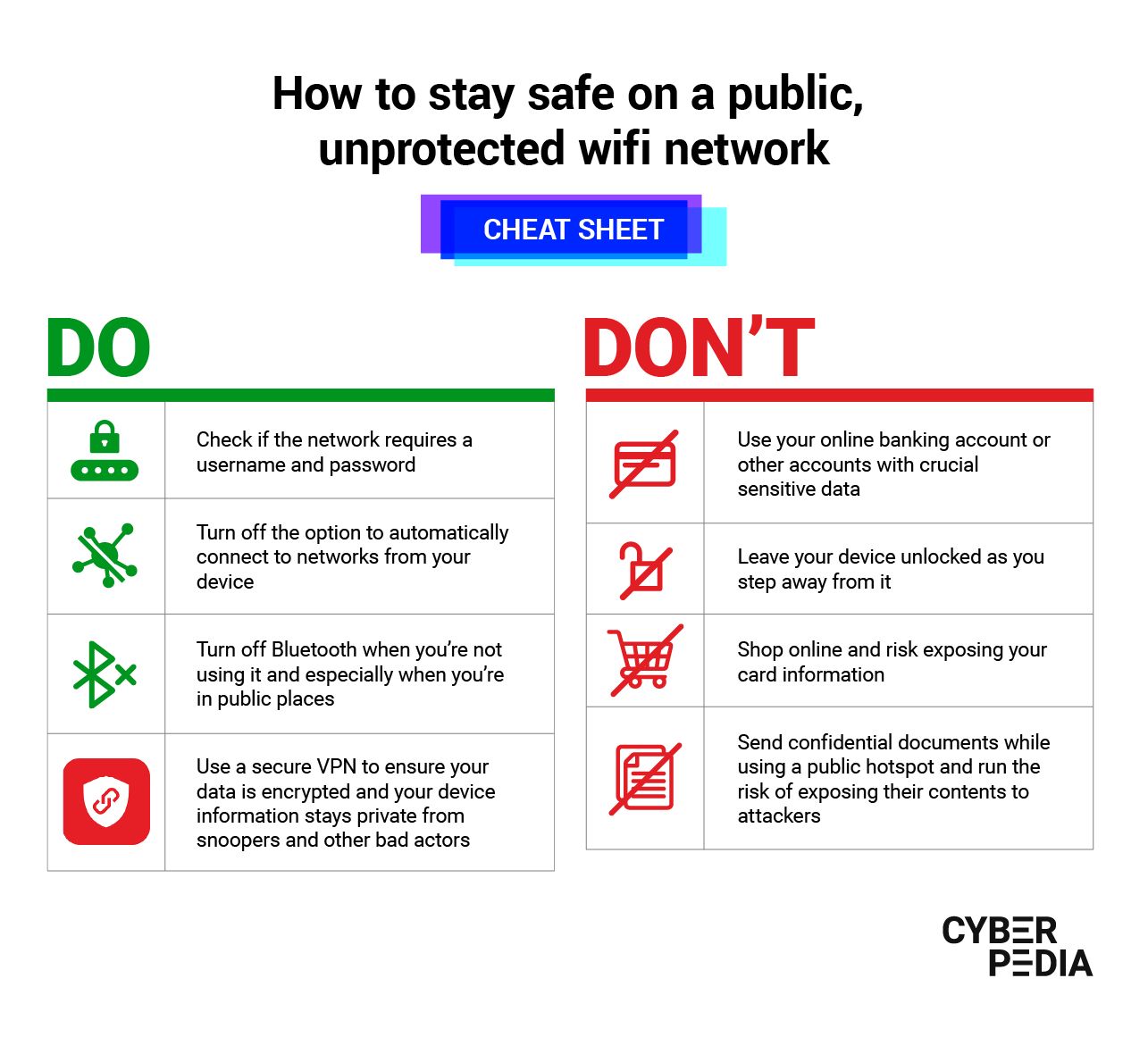
- Be cautious when connecting to public Wi-Fi networks
- Use strong passwords and avoid using public computers to access sensitive information
- Regularly update your software and firmware
- Use two-factor authentication whenever possible
- Monitor your network regularly for unauthorized devices and activity