Fix a Faulty Touchpad: Comprehensive Guide to Trackpad Repair
Are you experiencing issues with your laptop's touchpad? Is it unresponsive, erratic, or completely invisible? Don't worry; these problems can often be fixed with a few simple troubleshooting steps. In this article, we'll provide a comprehensive guide to trackpad repair, covering software fixes, driver reinstalls, and professional repair costs.
Understanding Trackpad Issues
The touchpad on your laptop can malfunction due to various reasons such as software glitches, outdated drivers, or accidental changes in system settings. In some cases, the issue may be hardware-related, requiring professional repairs. It's essential to identify the root cause of the problem to apply the correct solution.
Software Fixes for Trackpad Issues
Before resorting to hardware repairs, try these software fixes to troubleshoot your touchpad:
- Update Drivers: Ensure that your touchpad drivers are up-to-date. You can do this by visiting the manufacturer's website or using the Windows Update feature in your Windows 10 laptop.
- Reinstall Drivers: If updating drivers doesn't work, try reinstalling them. This process will restore the touchpad drivers to their default settings, which might resolve the issue.
- Reset System Settings: Restarting your laptop in safe mode or resetting system settings can also resolve touchpad issues.
- Disable and Re-enable the Touchpad: Sometimes, disabling and re-enabling the touchpad can resolve connectivity issues.
Hardware Repairs: When to Seek Professional Help
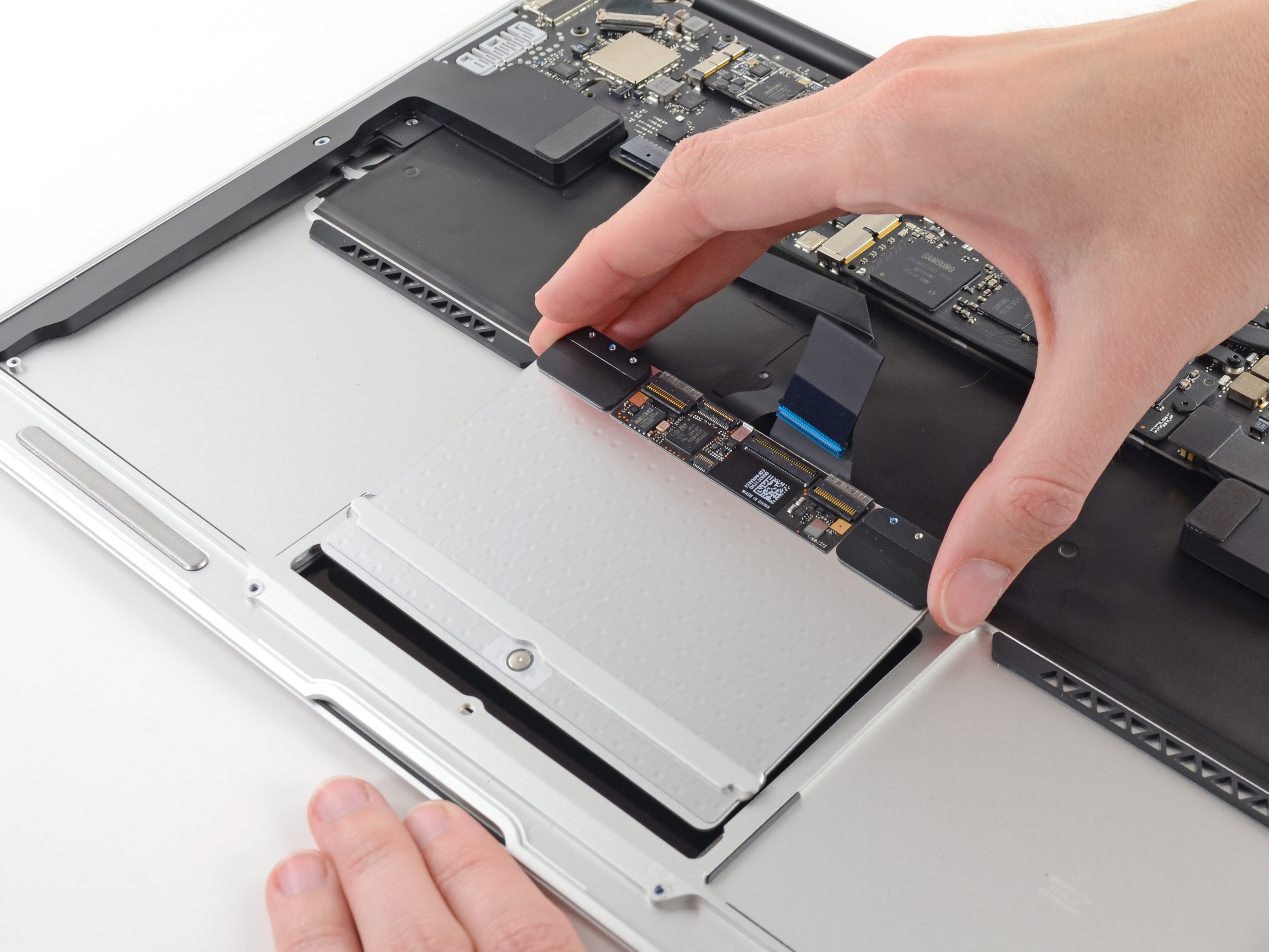
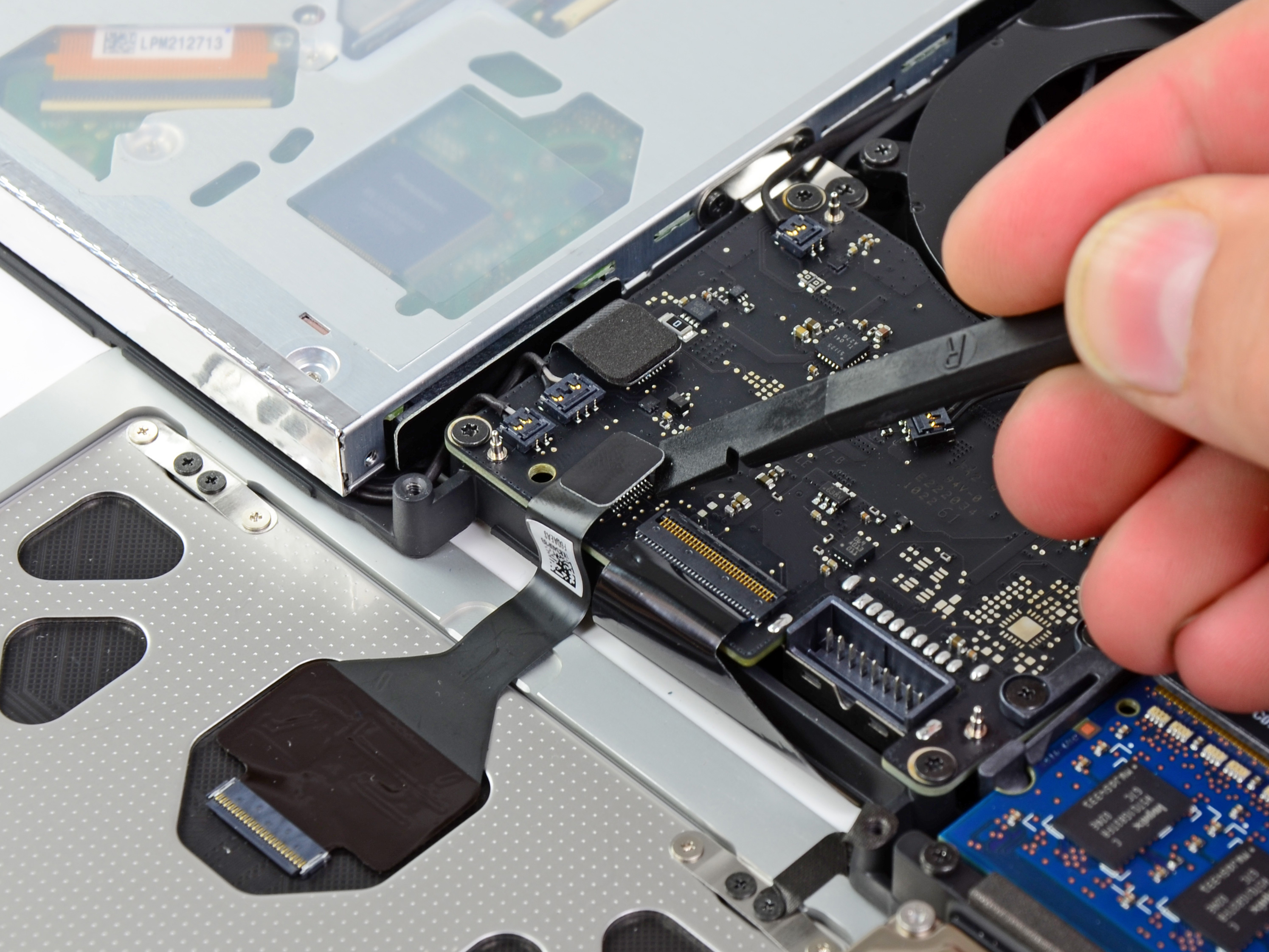
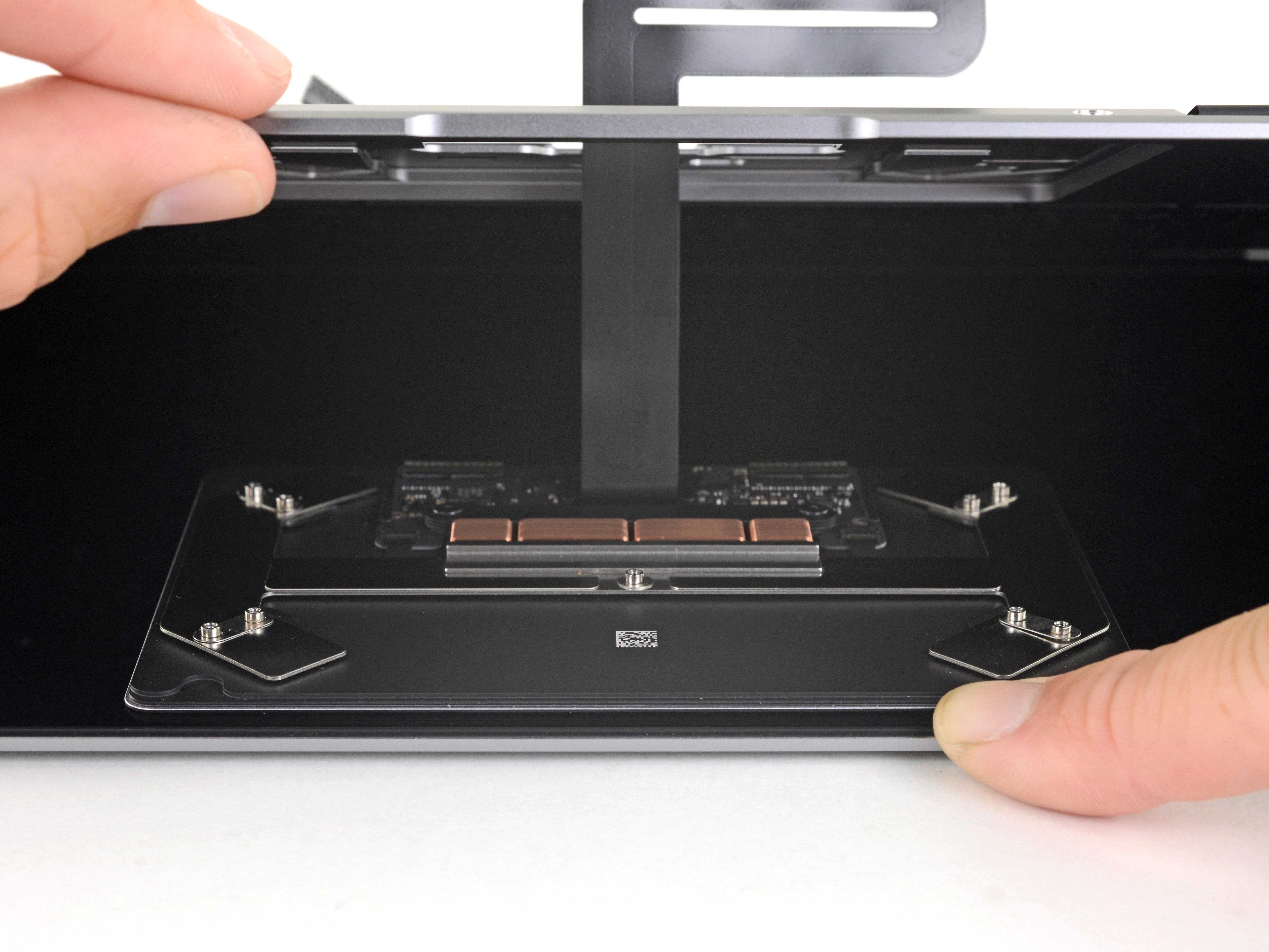
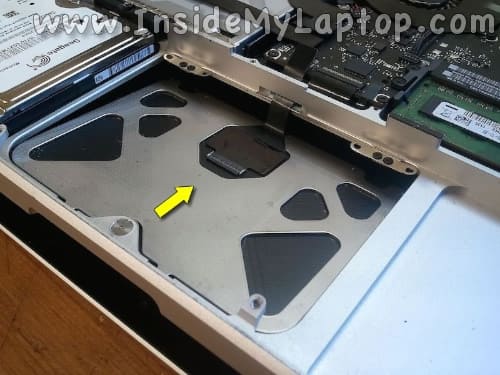
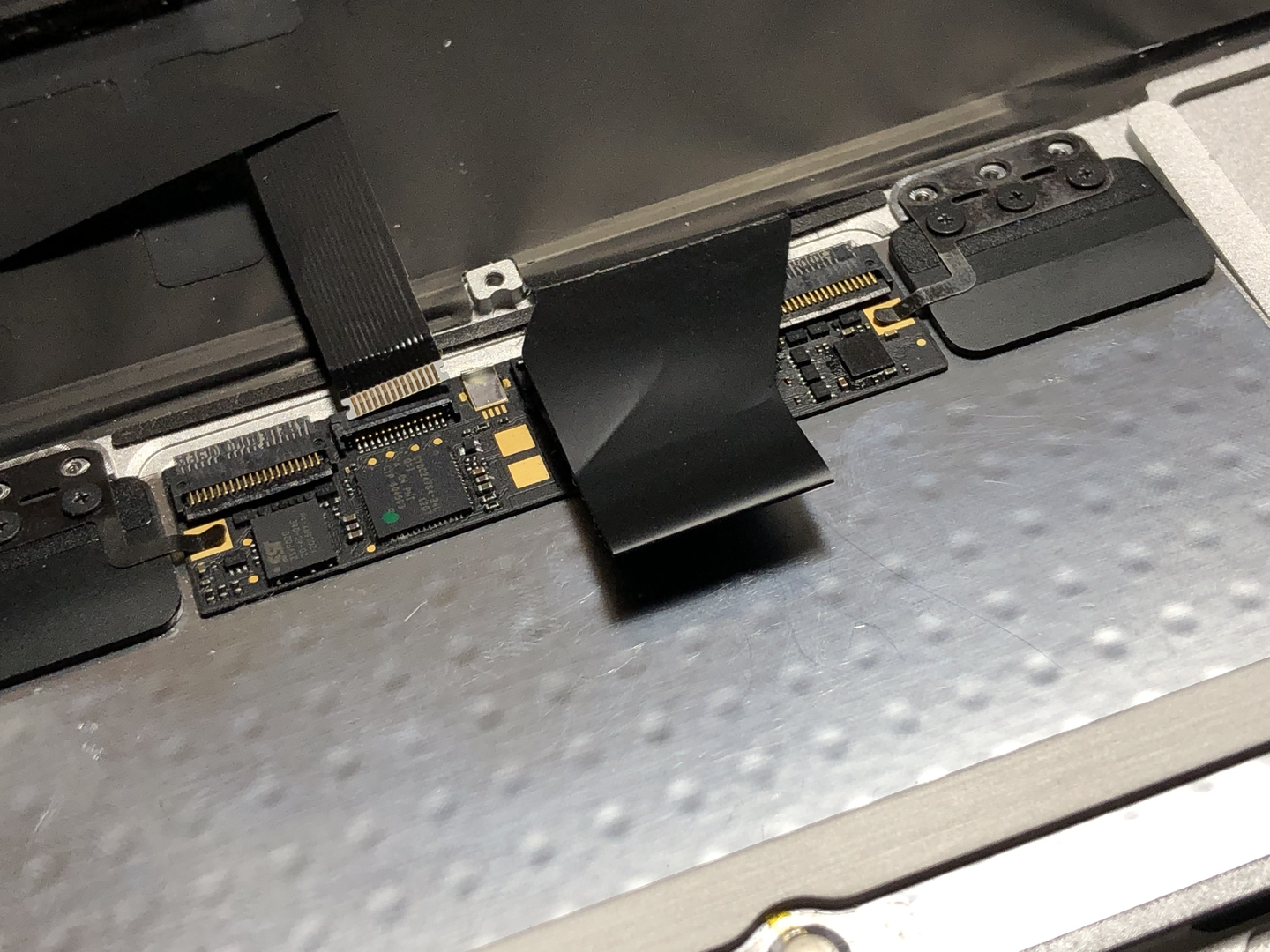
If you've tried the above software fixes and your touchpad still doesn't work, it's possible that the issue is hardware-related. In such cases, professional repair services from a reputable store or PC manufacturer can be the best solution.
When to seek professional help:
- Physical damage to the touchpad or surrounding areas
- Complete trackpad failure
- Clickpad or touchscreen issues
Cost of Trackpad Repair
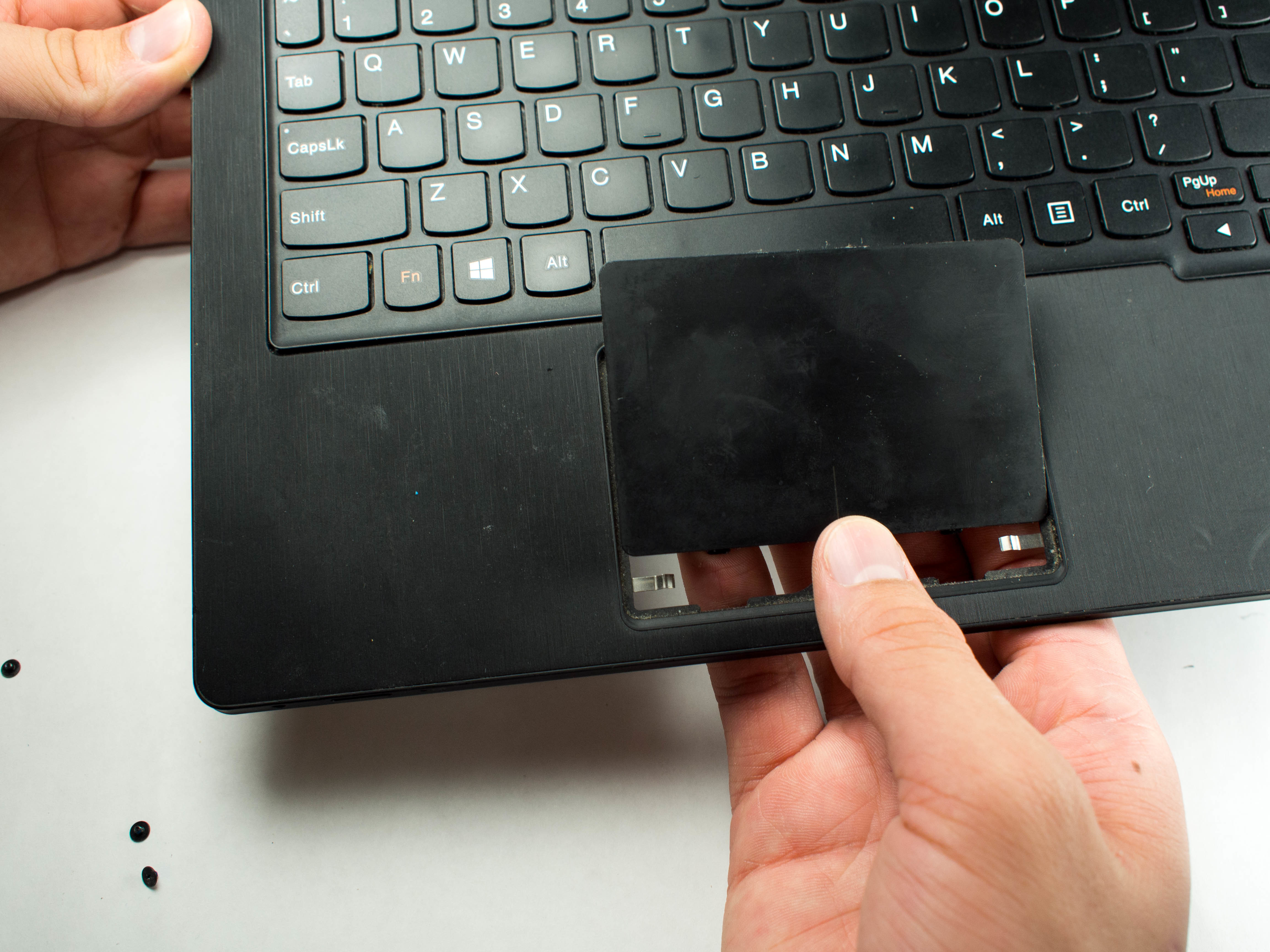
The cost of trackpad repair can vary depending on the extent of the damage and the type of repair required. Here are some estimated costs:
DIY Repair:** If you're comfortable with DIY repairs, you can find resources online to repair your trackpad at a lower cost (approximate cost: $20-$50).
Professional Repair:** If you prefer to seek professional help, the cost can range from $50 to $200 or more, depending on the complexity of the repair.
Trackpad Replacement:** In some cases, replacing the entire trackpad may be necessary, which can cost between $100 to $500 or more, depending on the laptop model and the location of the repair service.
Preventing Trackpad Issues
Preventing trackpad issues can save you time and money in the long run. Here are some tips to keep your trackpad in good condition:
- Regularly update your drivers and software
- Use a protective sleeve or cover to prevent scratches and dust accumulation
- Avoid physical impact or excessive stress on the touchpad
- Perform routine cleaning and servicing
Conclusion
In conclusion, fixing a faulty touchpad is a straightforward process that can usually be resolved with software fixes. However, in some cases, professional repairs may be necessary. By following the steps outlined above and taking preventative measures, you can keep your trackpad in good working condition and avoid costly repairs.
Whether you're a tech-savvy individual or a novice user, this comprehensive guide has provided you with the necessary information to address common trackpad issues. Don't let a non-functional touchpad hinder your productivity – take the first step towards resolving the issue today.