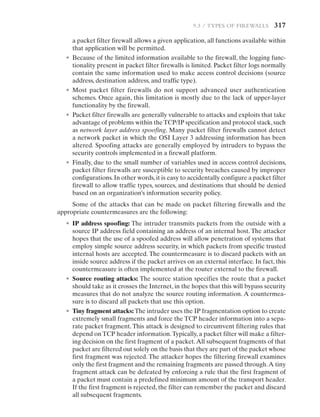
Advanced Router Security Measures: Protect Your Home Network from Cyber Threats
In today's digital age, cybersecurity for routers is crucial. Routers serve as the gateway to your network. If compromised, they can allow hackers easy access to your personal information and connected devices. Here are essential measures to enhance the security of your router.
Understanding Router Security
Most routers come with default usernames and passwords. Cybercriminals often know these default credentials, which makes it easy for them to access your network. It's essential to change these default login credentials to a strong password and keep it confidential.
- Change Default Login Credentials: Update your router's default username and password to a strong and unique combination.
- Update Firmware Regularly: Ensure your router's firmware is up-to-date, as new firmware versions often include security patches and updates.
- Disable Remote Access: Turn off remote access to prevent unauthorized access to your router.
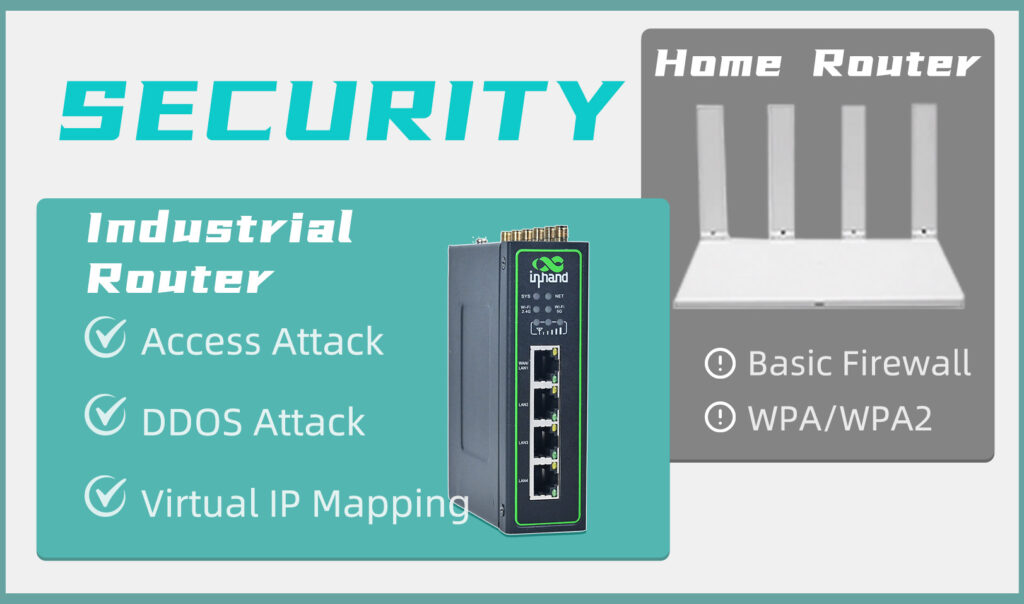
- Lock Down Wi-Fi Access: Limit access to your Wi-Fi network by setting up a guest network, using WPA3 encryption, and configuring MAC address filtering.
Basic Steps to Secure Your Router
Securing your router is a crucial step in protecting your home network from cyber threats. By following these basic steps, you can significantly improve the security of your router:
- Use a Strong Password: Use a strong and unique password for your router and update it regularly.
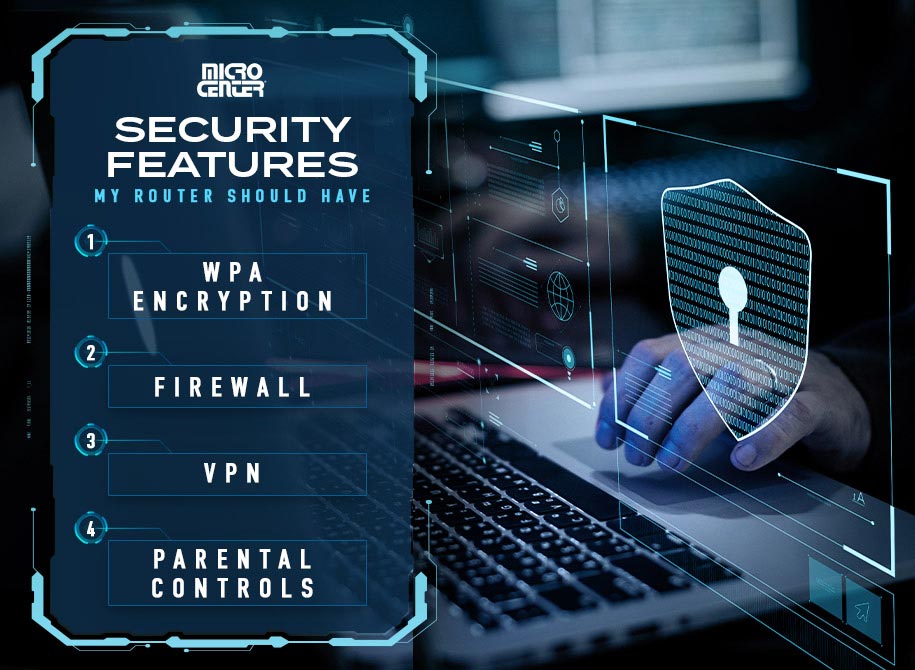
- Enable WPA3 Encryption: WPA3 encryption is a more secure and robust encryption protocol that protects your Wi-Fi network.
- Update Firmware Regularly: Regularly update your router's firmware to ensure you have the latest security patches and updates.
- Disable Remote Access: Disable remote access to prevent unauthorized access to your router.
Advanced Router Security Measures
While the basic steps outlined above provide a solid foundation for securing your router, there are advanced security measures you can implement to further protect your network:
- Enable Two-Factor Authentication: Use two-factor authentication to add an extra layer of security to your router and prevent unauthorized access.
- Implement a VPN: Use a virtual private network (VPN) to encrypt your internet traffic and protect your data from hackers and snoopers.
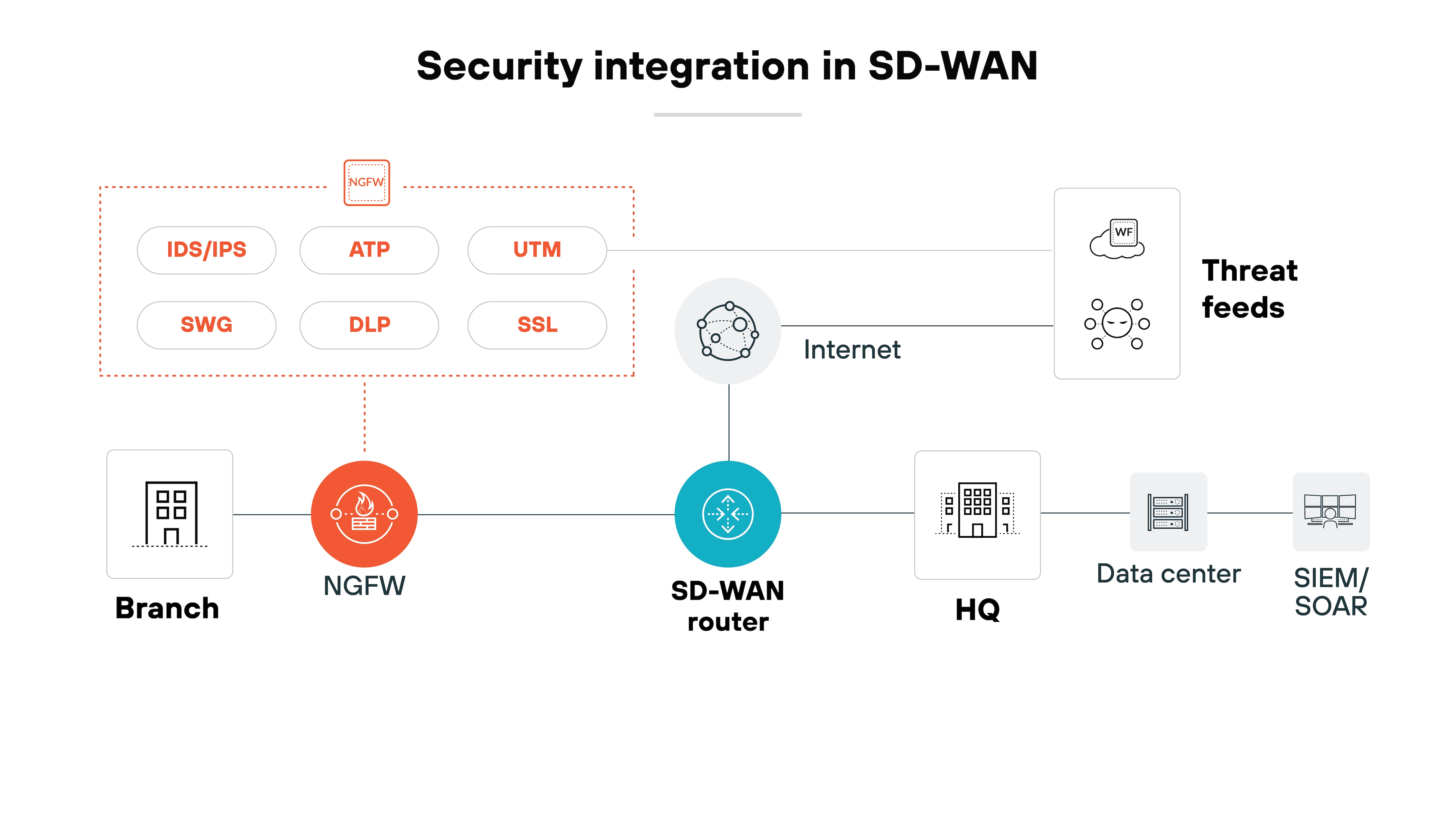
- Configure Advanced Firewall Settings: Configure advanced firewall settings to block incoming and outgoing traffic and prevent unauthorized access to your network.
- Monitor System Logs: Monitor system logs to detect and prevent potential security threats.

Conclusion
In conclusion, securing your router is a critical step in protecting your home network from cyber threats. By following the basic steps and advanced security measures outlined above, you can significantly improve the security of your router and protect your personal information and connected devices.
FAQs
Q: What is the best way to secure my router?
A: The best way to secure your router is to follow the basic steps outlined above, including changing default login credentials, updating firmware regularly, disabling remote access, and locking down Wi-Fi access.
Q: What is WPA3 encryption?
A: WPA3 encryption is a more secure and robust encryption protocol that protects your Wi-Fi network. It is recommended to enable WPA3 encryption on your router to protect your network from cyber threats.
Q: How do I implement a VPN on my router?
A: To implement a VPN on your router, you will need to configure your router to use a VPN service. You can consult your router's manual or contact your internet service provider for guidance.

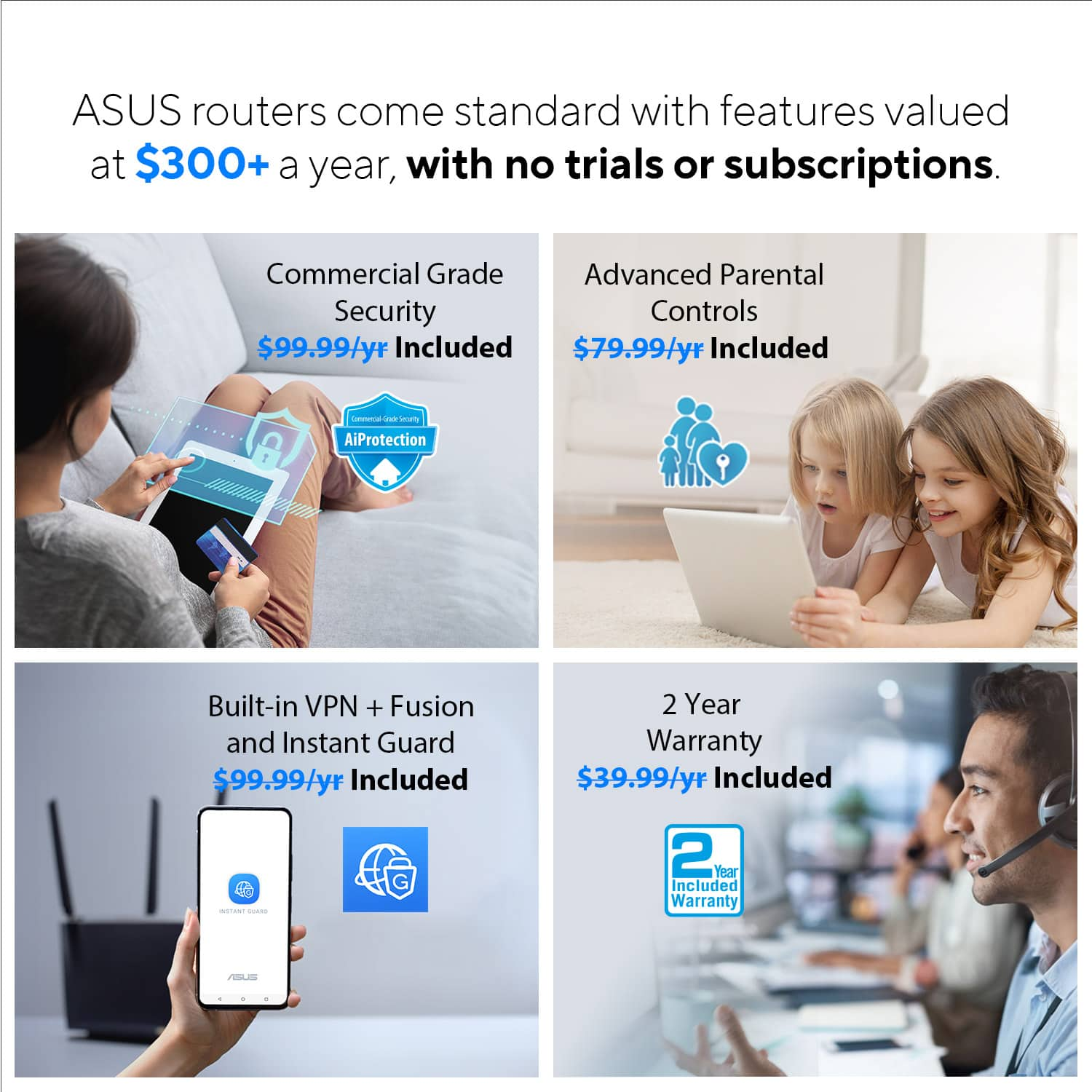
![[Wireless Router] Triple-Level Protection for Comprehensive ... - ASUS](https://www.lifewire.com/thmb/OdRsC28cX9Lx-obZRh3IAbGWfx8=/1500x0/filters:no_upscale():max_bytes(150000):strip_icc()/3-5abcf226fa6bcc0036668782.png "[Wireless Router] Triple-Level Protection for Comprehensive ... - ASUS")