Mastering the Art of Multistreaming with OBS: A Step-by-Step Guide
Are you ready to take your live streaming game to the next level? With a powerful tool like OBS Studio, you can broadcast to multiple platforms simultaneously, increasing your reach and engaging with a broader audience. However, setting up OBS for multistreaming can be a daunting task, especially for beginners. In this comprehensive guide, we will walk you through the process of setting up OBS for multistreaming, covering essential topics, such as encoding settings, bitrate recommendations, and supported platforms.
Why OBS is the Perfect Tool for Multistreaming
OBS Studio is an open-source software that has become the industry standard for live streaming. Its flexibility and customization options make it an ideal choice for multistreaming. You can easily add plugins, filters, and scenes to enhance your streams, and its encoding settings can be tailored to suit your specific needs. However, unlike some other live streaming software, OBS limits you to one streaming platform at a time. But, with the right knowledge and tools, you can overcome this limitation and enjoy the benefits of multistreaming.
Why Multistreaming Matters
- Reach a broader audience: By streaming to multiple platforms, you can engage with a wider audience and increase your visibility.
- Consolidate your workflow: Multistreaming saves you time and effort by allowing you to manage all your streams from a single OBS instance.
- Improve engagement: By streaming to multiple platforms, you can encourage more interactions, comments, and shares.
What You'll Learn in This Guide
In this comprehensive guide, we will cover the following topics:
- The definitive answer to the question: "Can I multistream on OBS?"
- Why OBS doesn't have built-in multistreaming capabilities
- How to enable multistreaming in OBS
- The easiest method for beginners to set up multistreaming on OBS
- The necessary tools and software required for multistreaming
- A step-by-step setup guide for OBS multistreaming
- Free configuration generators for optimal encoding settings
- Limitations and workarounds for multistreaming on OBS
Step-by-Step Setup Guide for OBS Multistreaming
To set up OBS for multistreaming, follow these simple steps:
- Download and install OBS Studio on your computer.
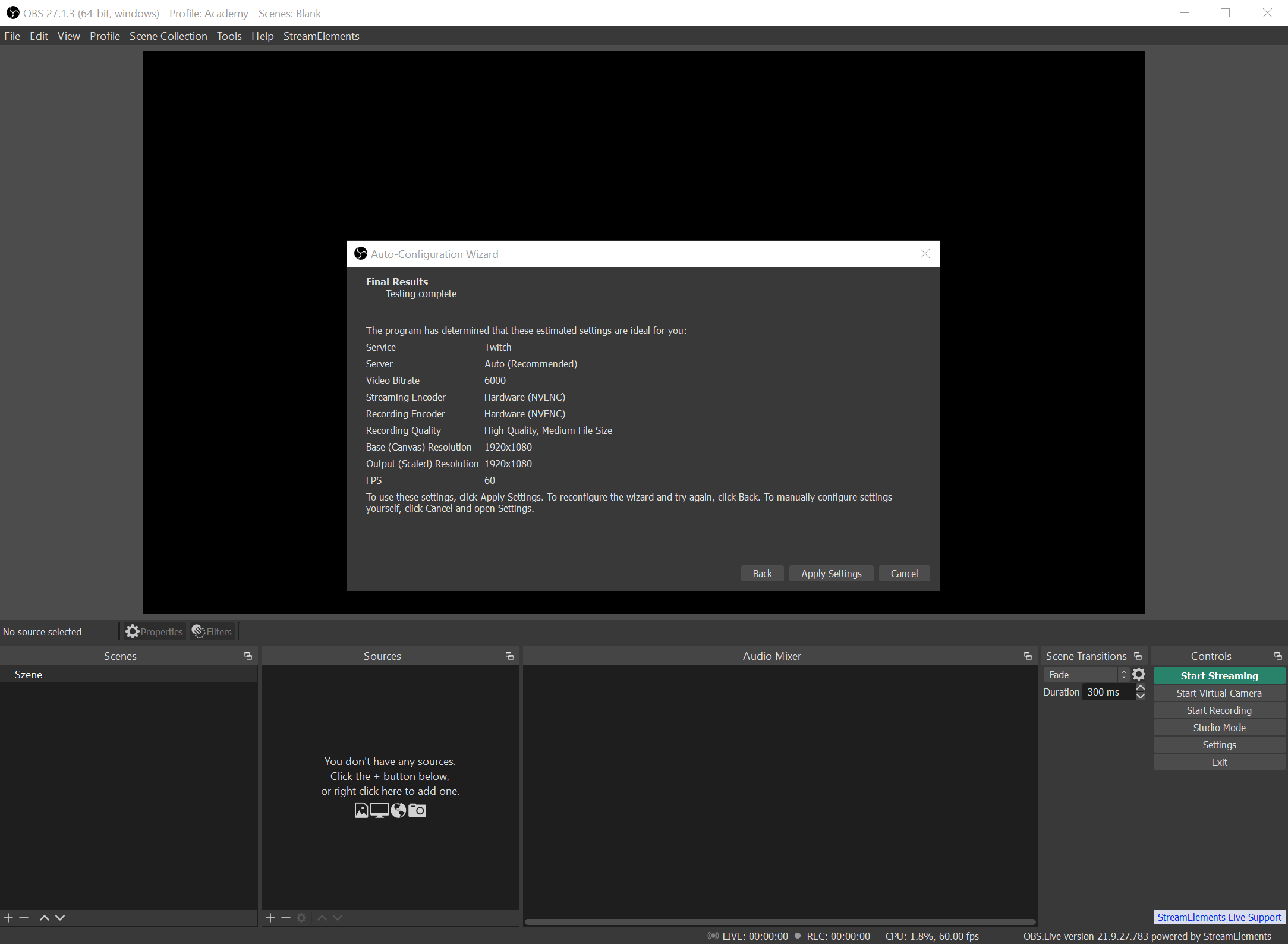
- Configure your stream settings, including resolution, bitrate, and codec.
- Enable multistreaming in OBS by adding multiple RTMP destinations.
- Choose your multistreaming plugin or service, such as StreamElements, Restream, or Aitum Multistream.
- Configure your encoding settings for each platform and ensure identical settings across all platforms.
- Start streaming to multiple platforms simultaneously.

Free Configuration Generators for Optimal Encoding Settings
Configure your encoding settings for optimal performance with our free configuration generator. Our tool will help you determine the best resolution, bitrate, and codec settings for your stream, taking into account your internet speed and device capabilities.
Supported Platforms for Multistreaming
OBS supports multistreaming to a variety of platforms, including Twitch, YouTube, Facebook, TikTok, and many others. Check our list of supported platforms for multistreaming on OBS.
Limitations and Workarounds for Multistreaming on OBS
While OBS is an excellent tool for multistreaming, there are some limitations and workarounds to be aware of. Learn how to overcome common issues like CPU or GPU saturation, too many parallel outputs, and heavy scene rendering.
Alternative Solutions for Multistreaming
If you're struggling with multistreaming on OBS, consider alternative solutions like cloud multistreaming services, which can simplify the process and offer additional features like disconnect protection and per-destination encoding.
Conclusion
Setting up OBS for multistreaming can be a complex process, but with this comprehensive guide, you'll be well-equipped to overcome any obstacles and enjoy the benefits of multistreaming on OBS. By following our step-by-step setup guide, you'll be able to reach a broader audience, consolidate your workflow, and improve engagement on your streams.