How to Keep Login Passwords Secure: Protecting Your Online Identity
Keeping login passwords secure is a top priority for anyone who values their online identity. With the increasing number of data breaches and cyber attacks, it's more important than ever to ensure that your passwords are strong, unique, and difficult to guess. In this article, we'll explore the best practices for keeping login passwords secure and provide tips on how to protect yourself from cyber threats.
The Importance of Password Security
Weak passwords are like offering a free pass to hackers. They can easily brute-force your way into your account, gaining access to sensitive information such as financial data, personal identification numbers, and sensitive documents. Moreover, reused passwords increase the risk of hacking, as a single compromised password can lead to multiple accounts being leaked.
Tip 1: Use a Good Password Manager
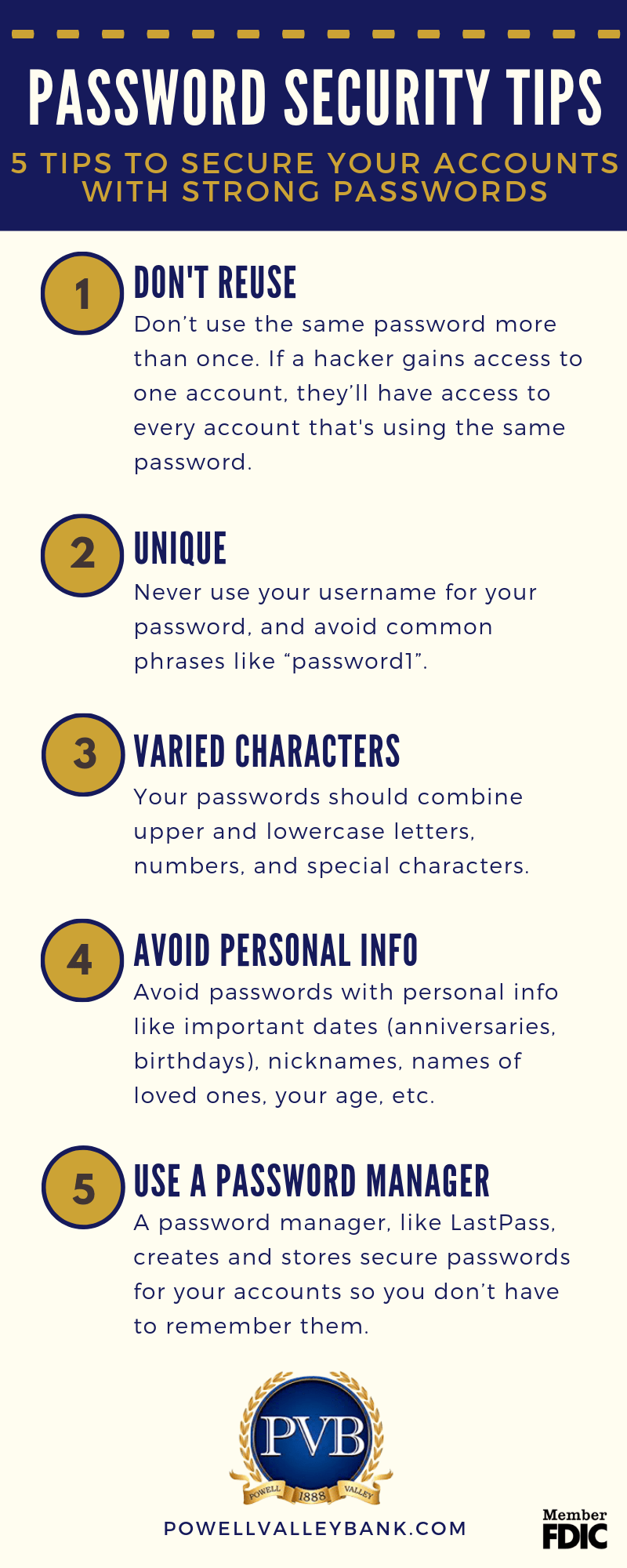
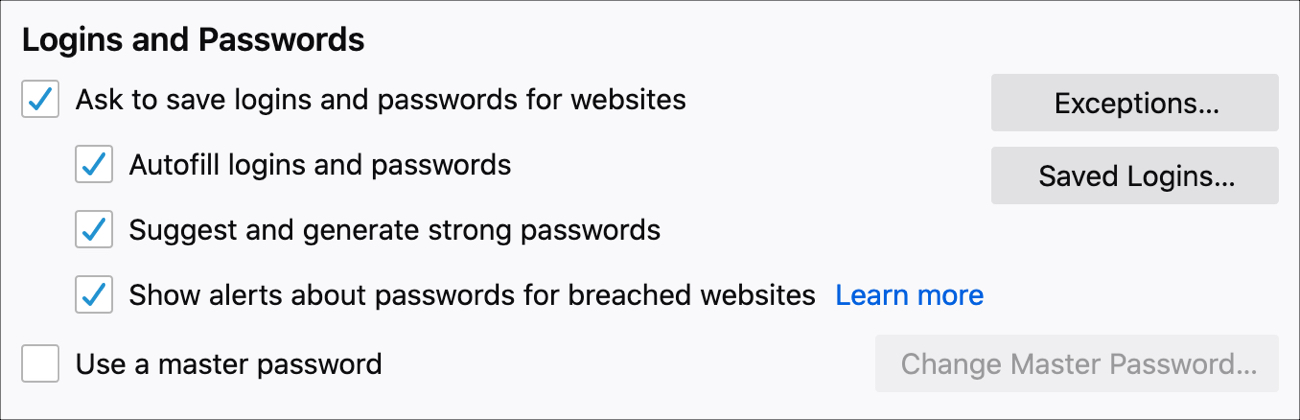
A password manager is a must-have for anyone who wants to keep login passwords secure. It can generate, store, and autofill strong, unique passwords for each of your accounts, and sync them across all your devices. Popular password managers like LastPass, Dashlane, and 1Password offer additional features such as password sharing, dark web monitoring, and secure note storage.
Benefits of Using a Password Manager:
- Generates strong, unique passwords for each account
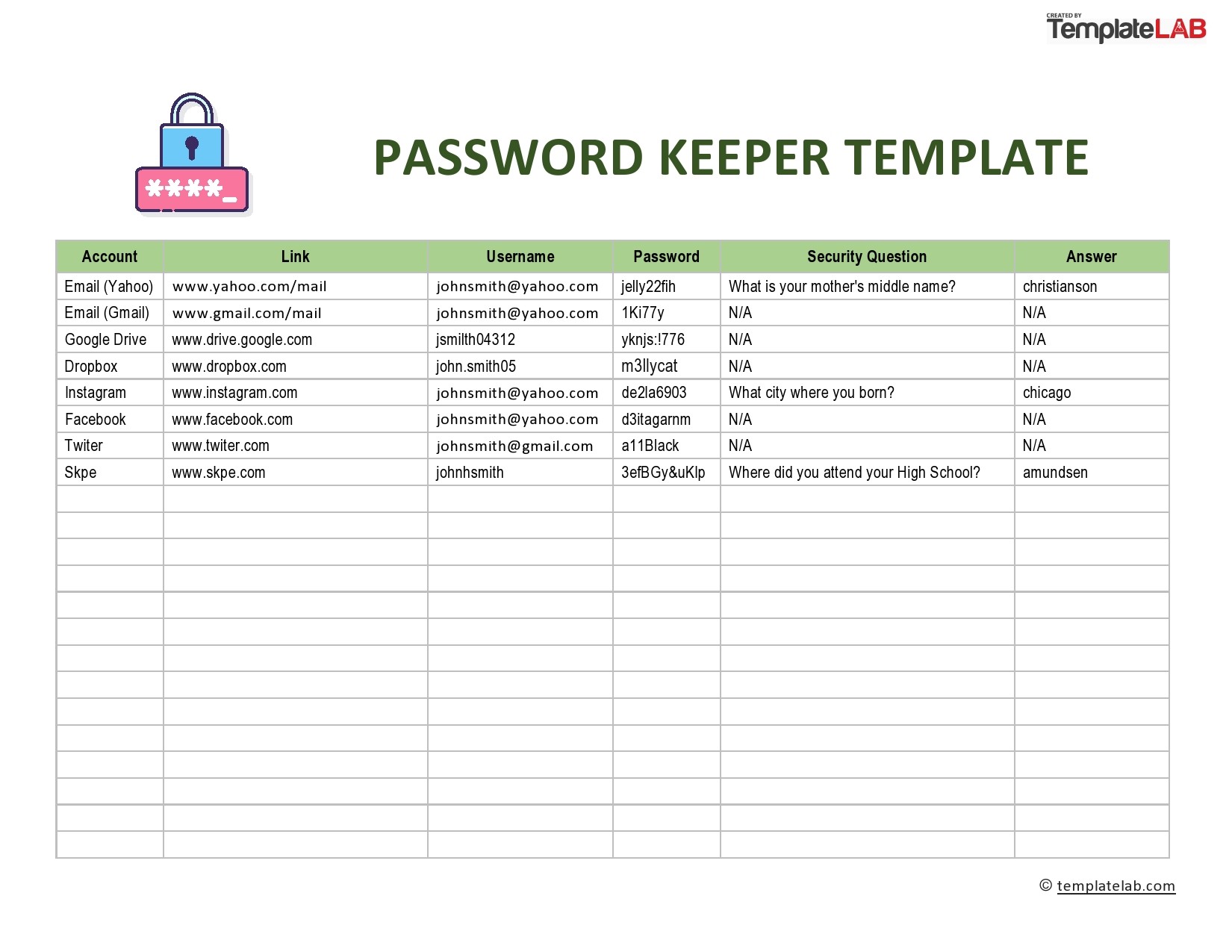
- Stores and autofills passwords, eliminating the need to remember or write them down
- Synchronizes passwords across all devices
- Offers additional features like password sharing, dark web monitoring, and secure note storage
Tip 2: Create Strong and Unique Passwords
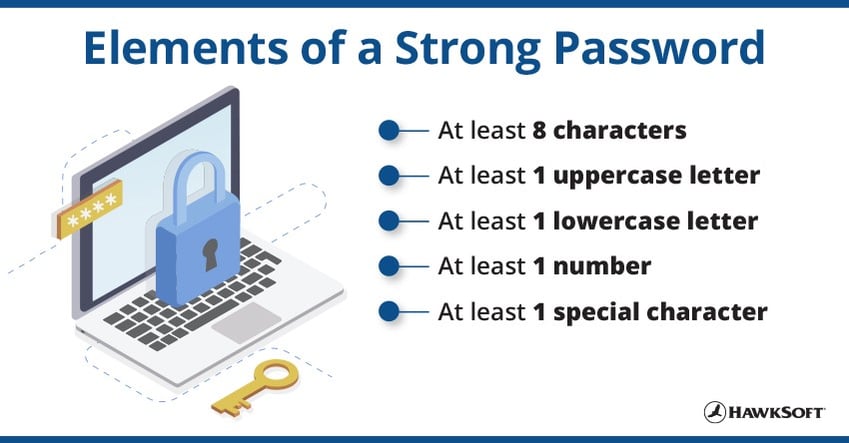
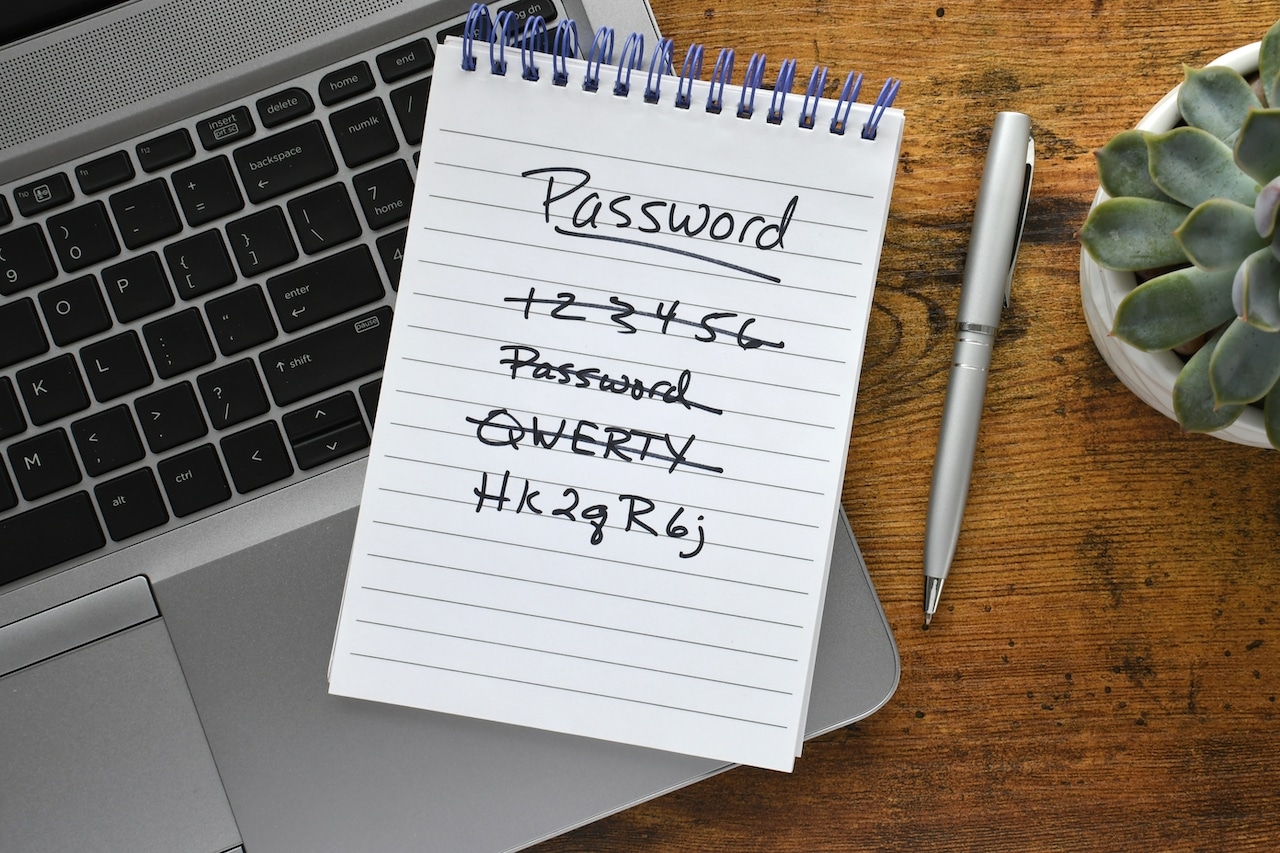
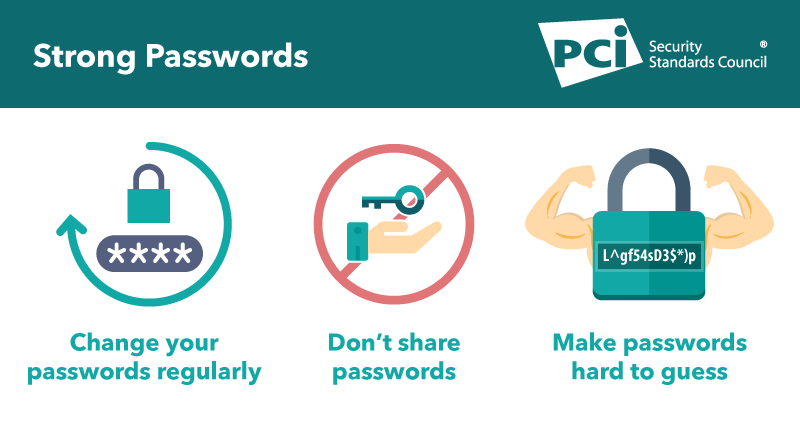
Creating strong and unique passwords is the first line of defense against hacking. A strong password is at least 12 characters long, contains a mix of uppercase and lowercase letters, numbers, and special symbols, and is not easily guessed. Avoid using easily guessable information such as your name, birthdate, or common words.
Characteristics of a Strong Password:

- At least 12 characters long
- Contains a mix of uppercase and lowercase letters
- Includes numbers and special symbols
- Is not easily guessable
Tip 3: Enable Two-Factor Authentication
Two-factor authentication (2FA) adds an extra layer of security to your accounts by requiring a second form of verification in addition to your password. This can be in the form of a code sent to your phone, a fingerprint scan, or a smart card. Enabling 2FA for your accounts makes it much harder for hackers to gain access.
Benefits of Two-Factor Authentication:
- Ensures that only you can access your accounts
- Reduces the risk of phishing and social engineering attacks
- Provides an additional layer of security against hacking
Conclusion
Keeping login passwords secure requires a combination of strong passwords, password managers, and two-factor authentication. By following these tips, you can significantly reduce the risk of hacking and protect your online identity. Remember, password security is an ongoing process that requires regular updates and maintenance. Stay vigilant, and stay secure!
Additional Resources:
For more information on how to keep login passwords secure, check out these additional resources:
- My1Login Password Strength Test
- Secure email account registration and password requirements
- Device and browser security settings
- Antivirus software and malware protection