Mastering the Art of Invoicing: A Step-by-Step Guide for Small Businesses
In today's fast-paced business landscape, efficient invoicing is crucial for small businesses to maintain a healthy cash flow and sustainable success. However, creating and sending professional invoices can be a daunting task, especially for those who are new to entrepreneurship. In this comprehensive guide, we will walk you through the essential steps of how to invoice for a small business, complete with tips on best practices and common pitfalls to avoid.
The Importance of Invoicing for Small Businesses
Invoicing is not just a necessary evil; it's a vital part of running a successful small business. It helps you keep track of your income, ensures timely payments, and builds a strong relationship with your clients. Without a well-structured invoicing system, you may find yourself struggling to manage your cash flow, which can ultimately lead to financial instability and even business closure.
Step 1: Choose the Right Invoicing Software
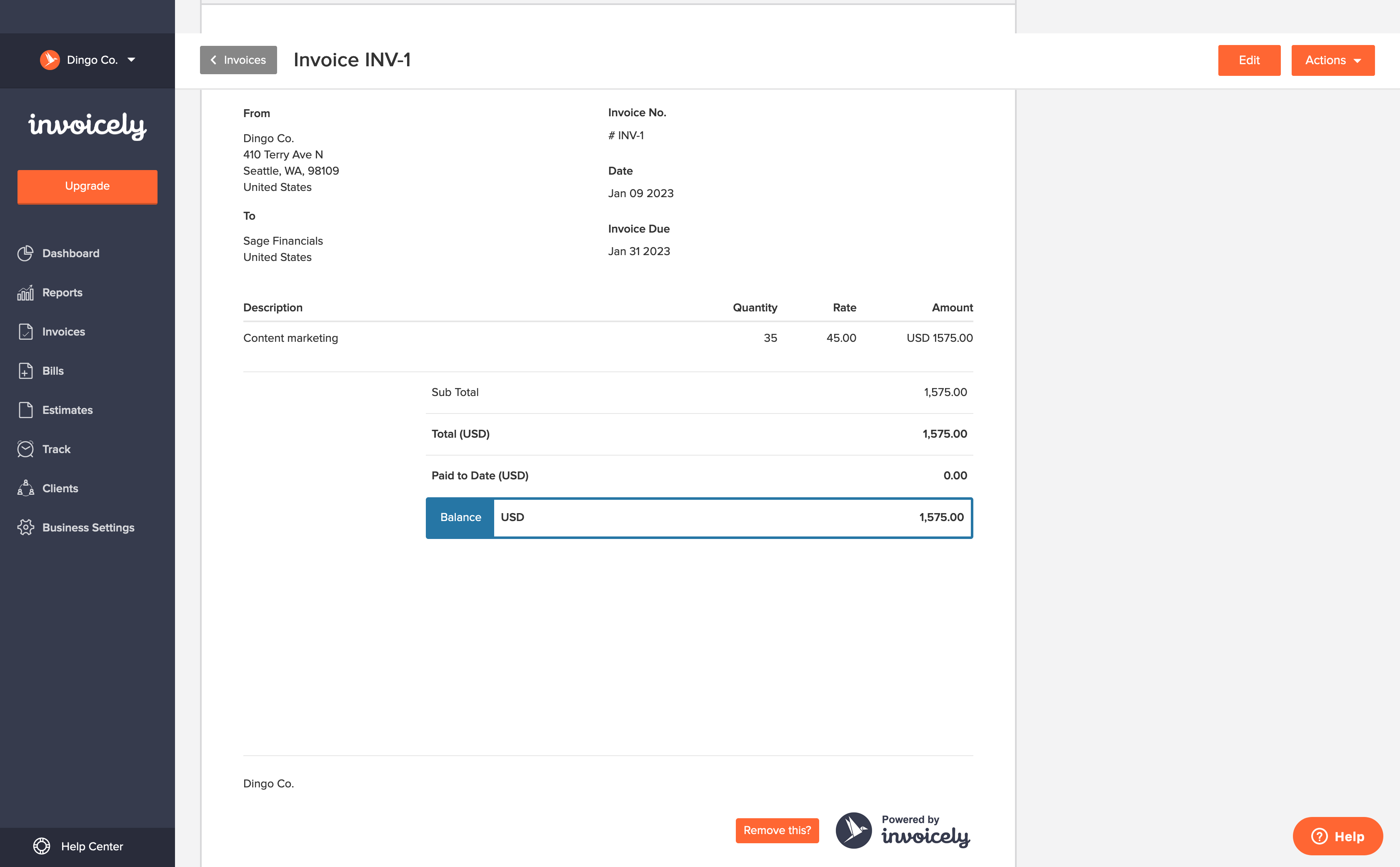
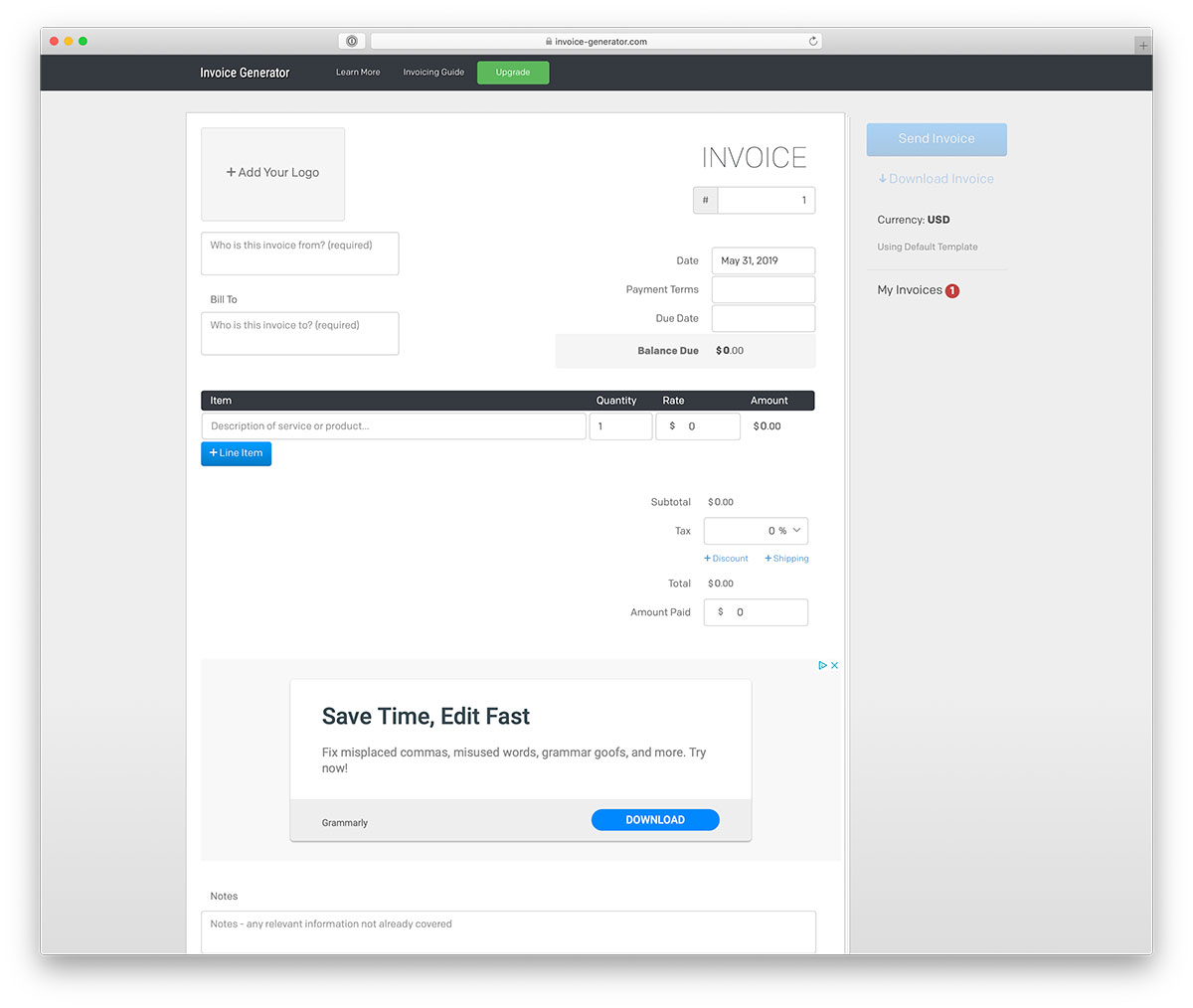
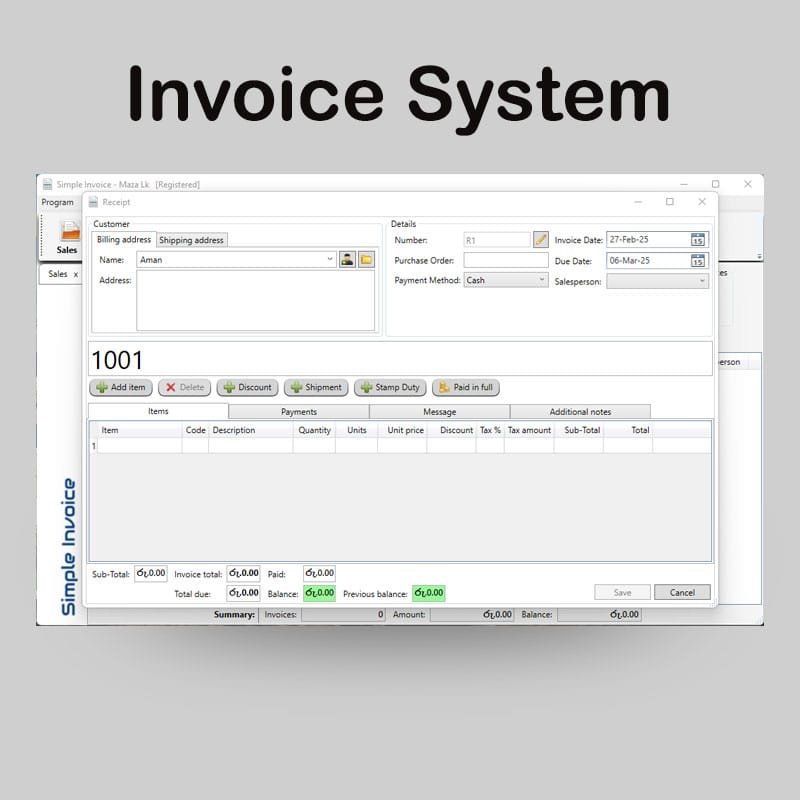
With the plethora of invoicing software available, selecting the right one can be overwhelming. Consider your business needs, budget, and preferences when choosing an invoicing software. Some popular options include Zoho Invoice, QuickBooks Online, and Wave. Each software has its unique features, so be sure to explore their free trials or demos to determine which one suits your business best.
Key Features to Look for in Invoicing Software
- Customizable invoice templates
- Automated invoicing and reminders
- Payment gateway integration
- Time tracking and expense management
- Customer management and support
Step 2: Create an Invoice Template
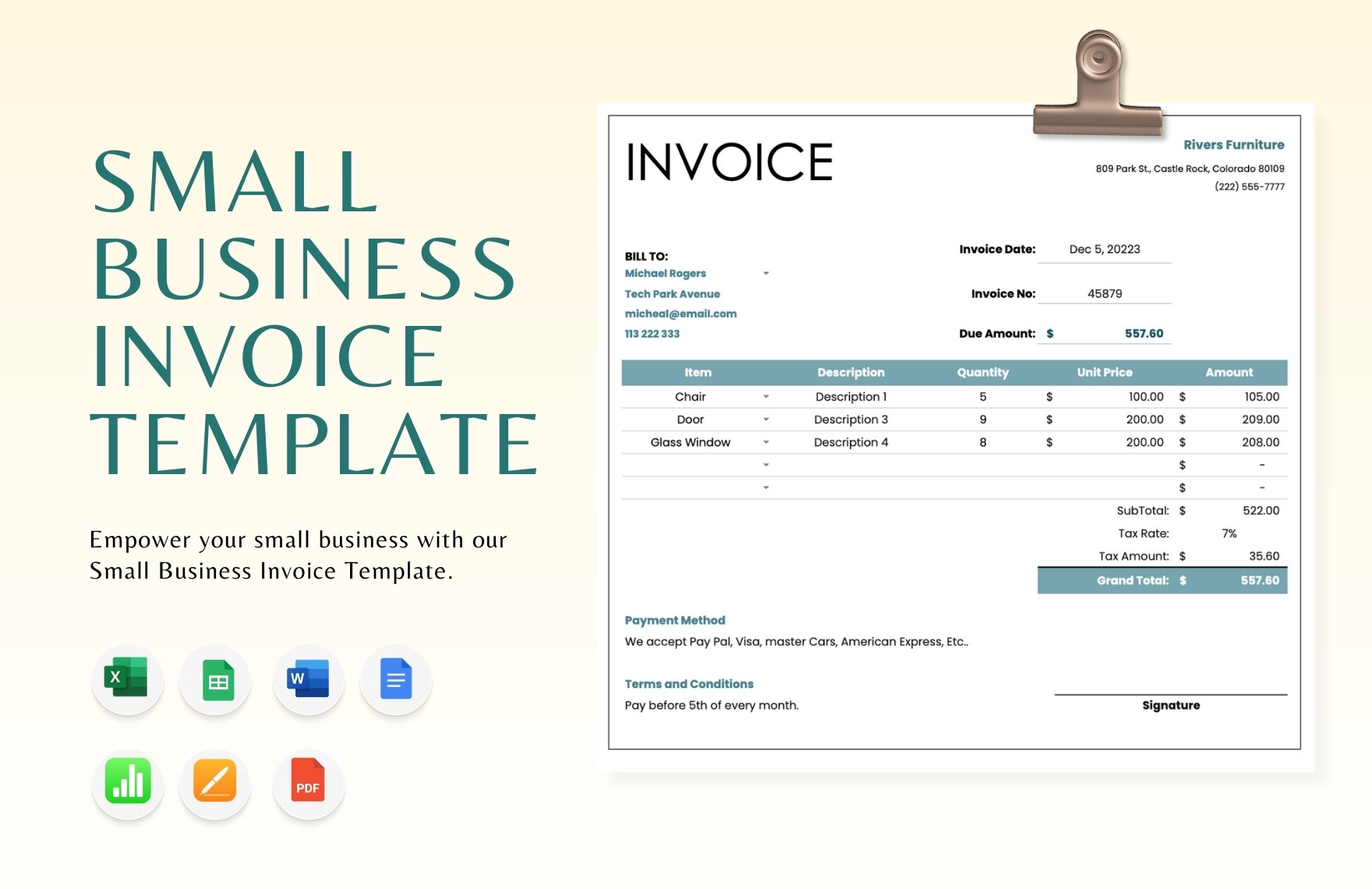
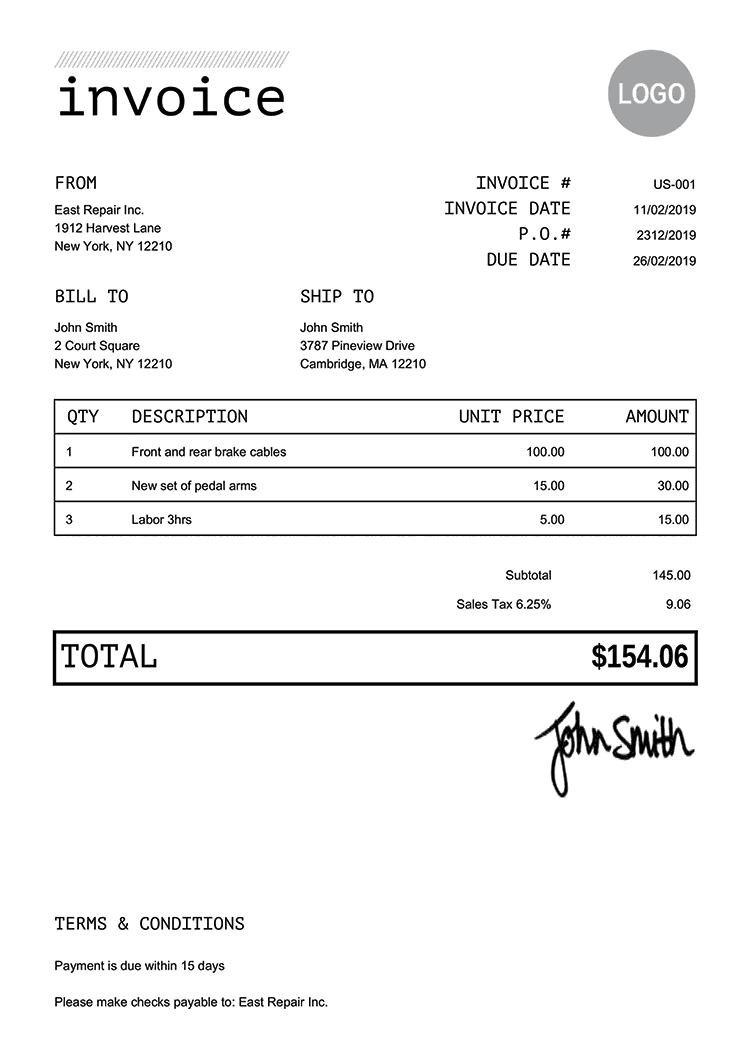
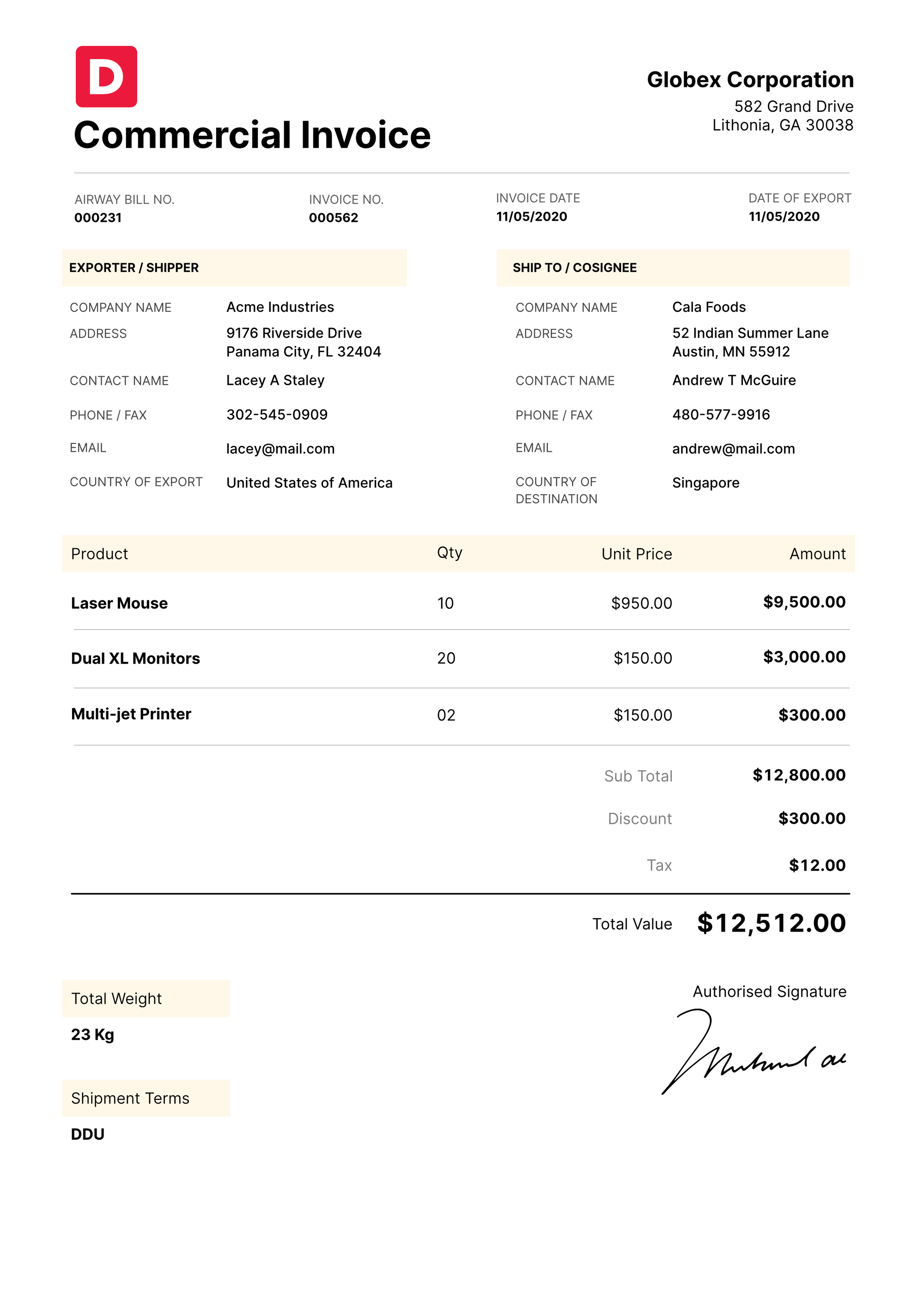
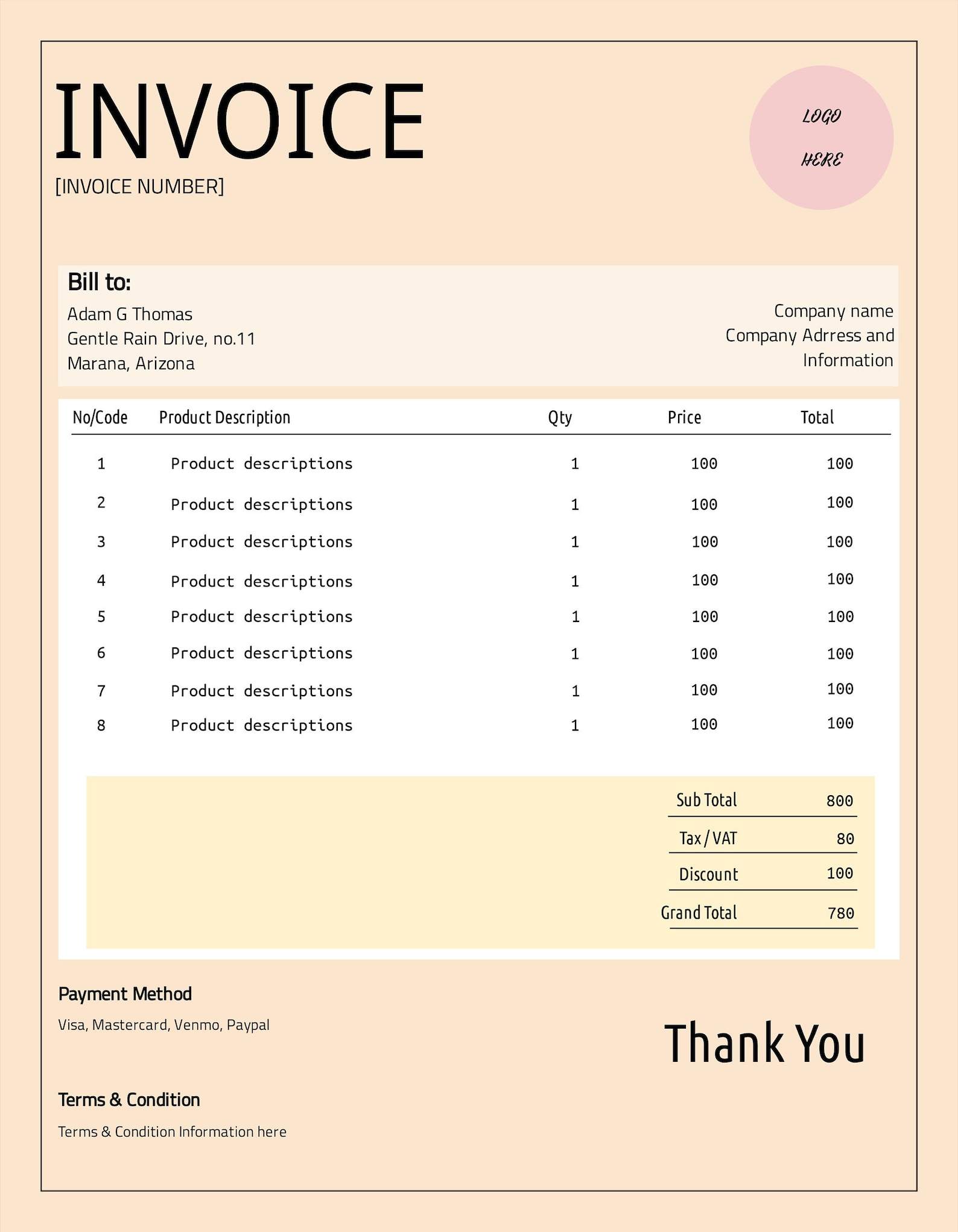
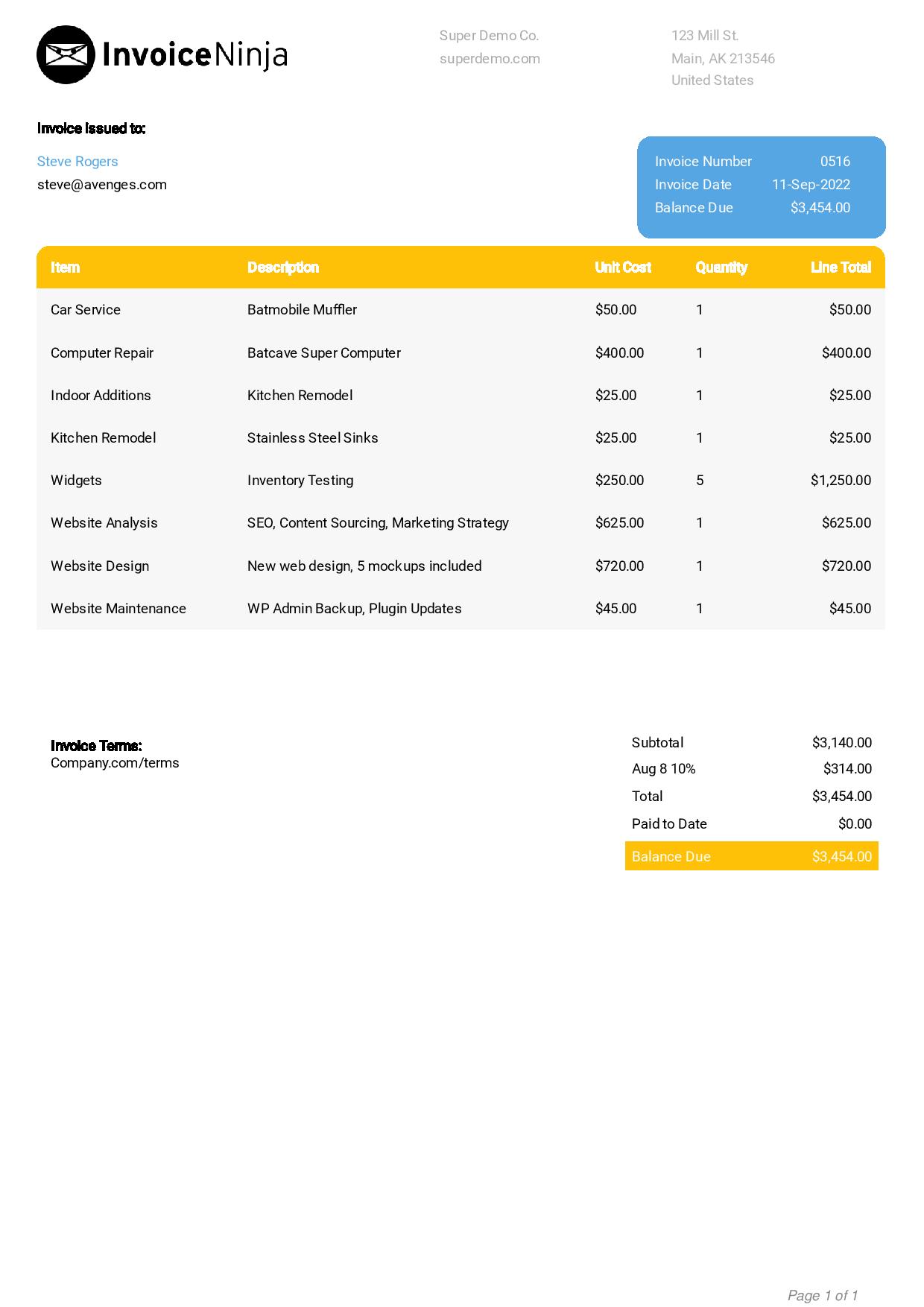
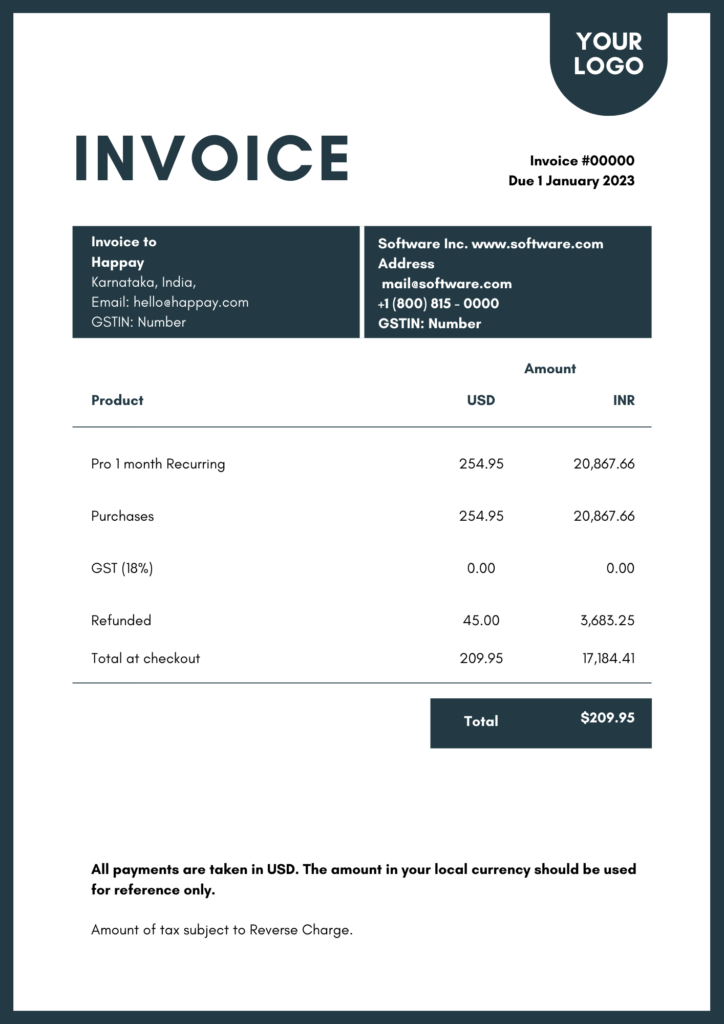
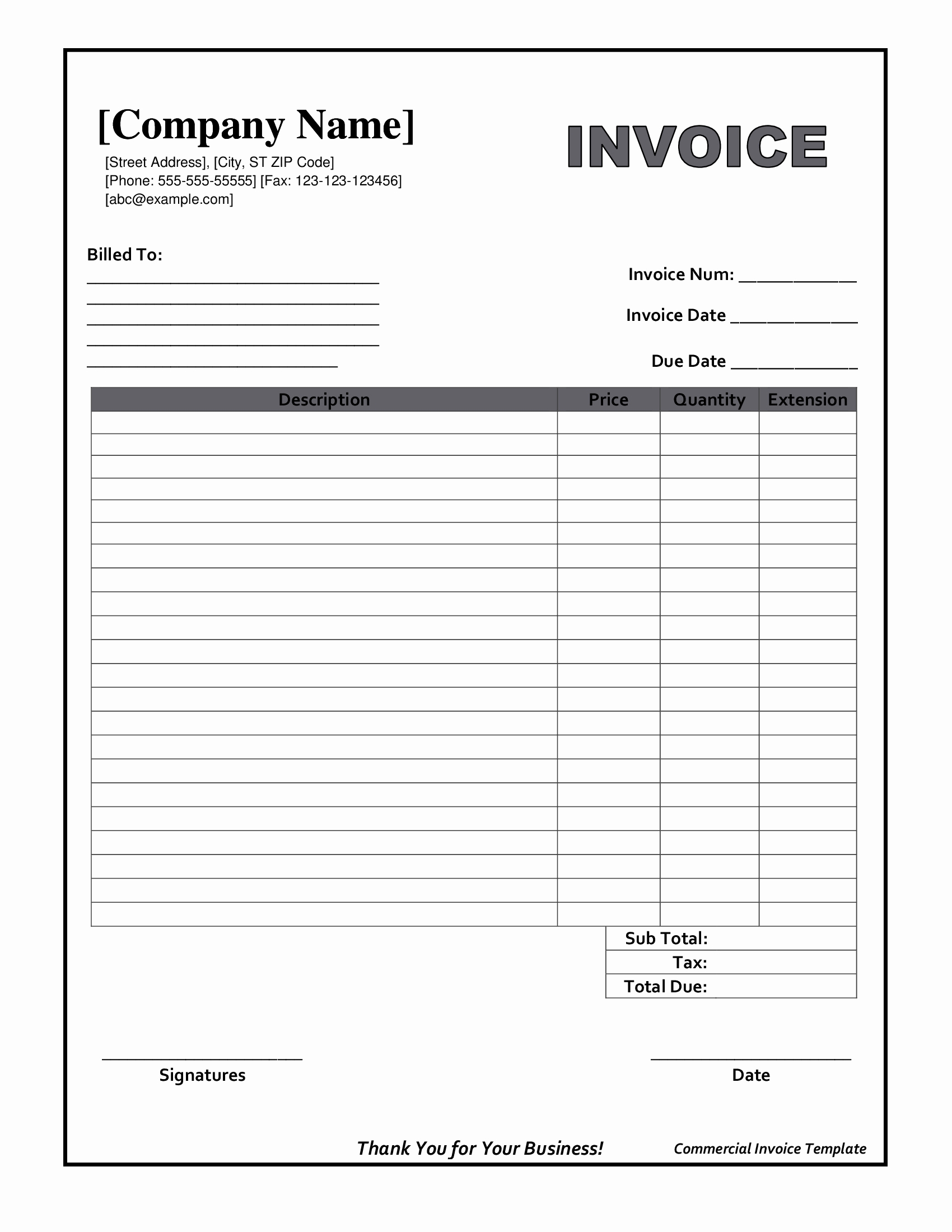
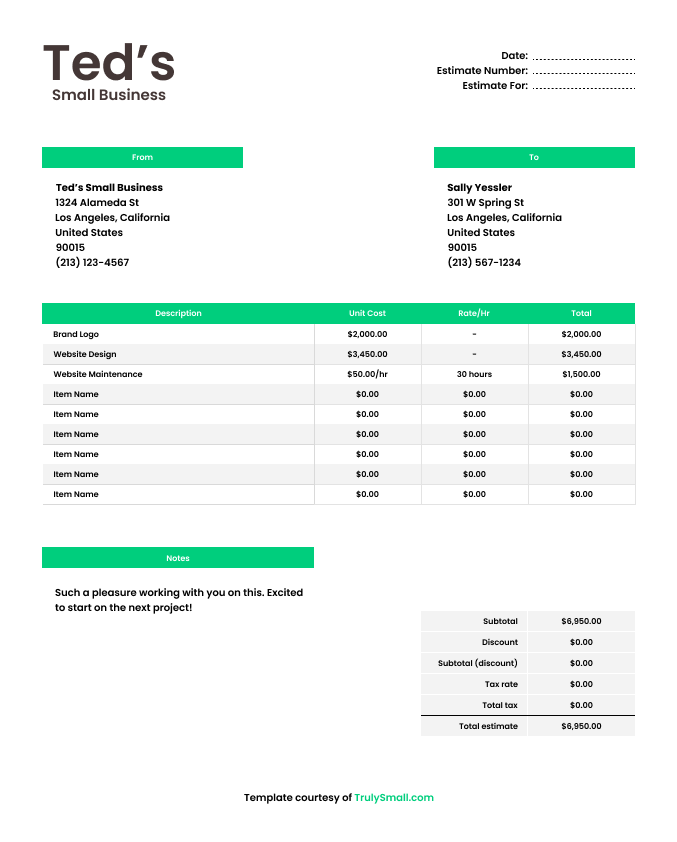
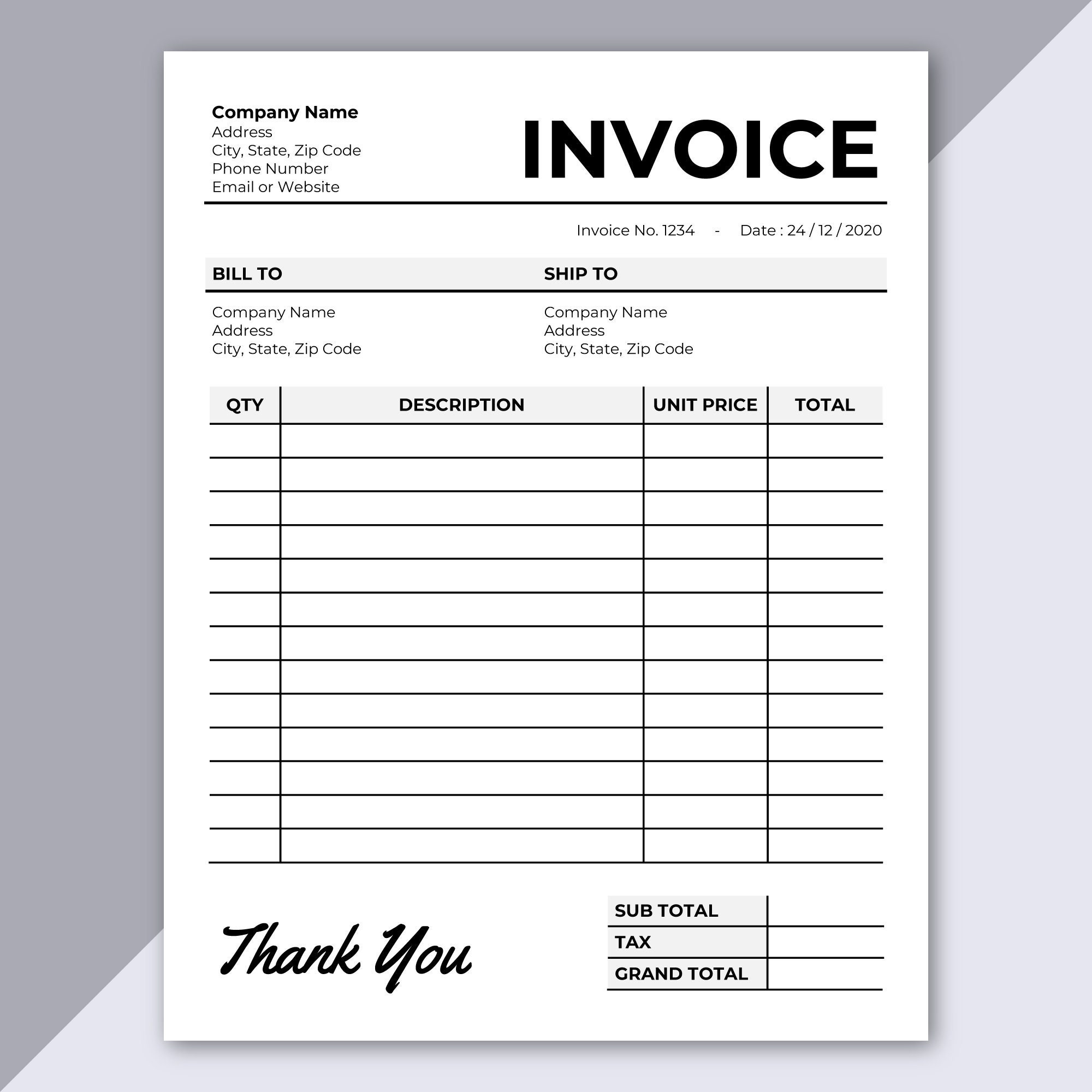
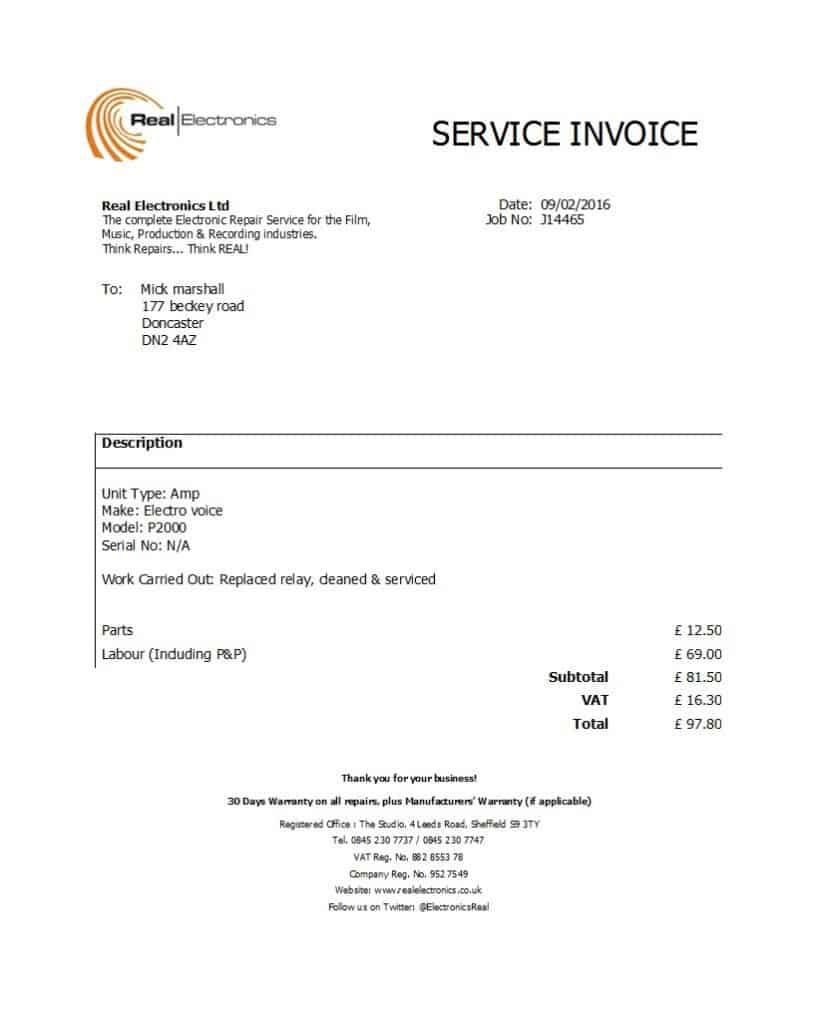
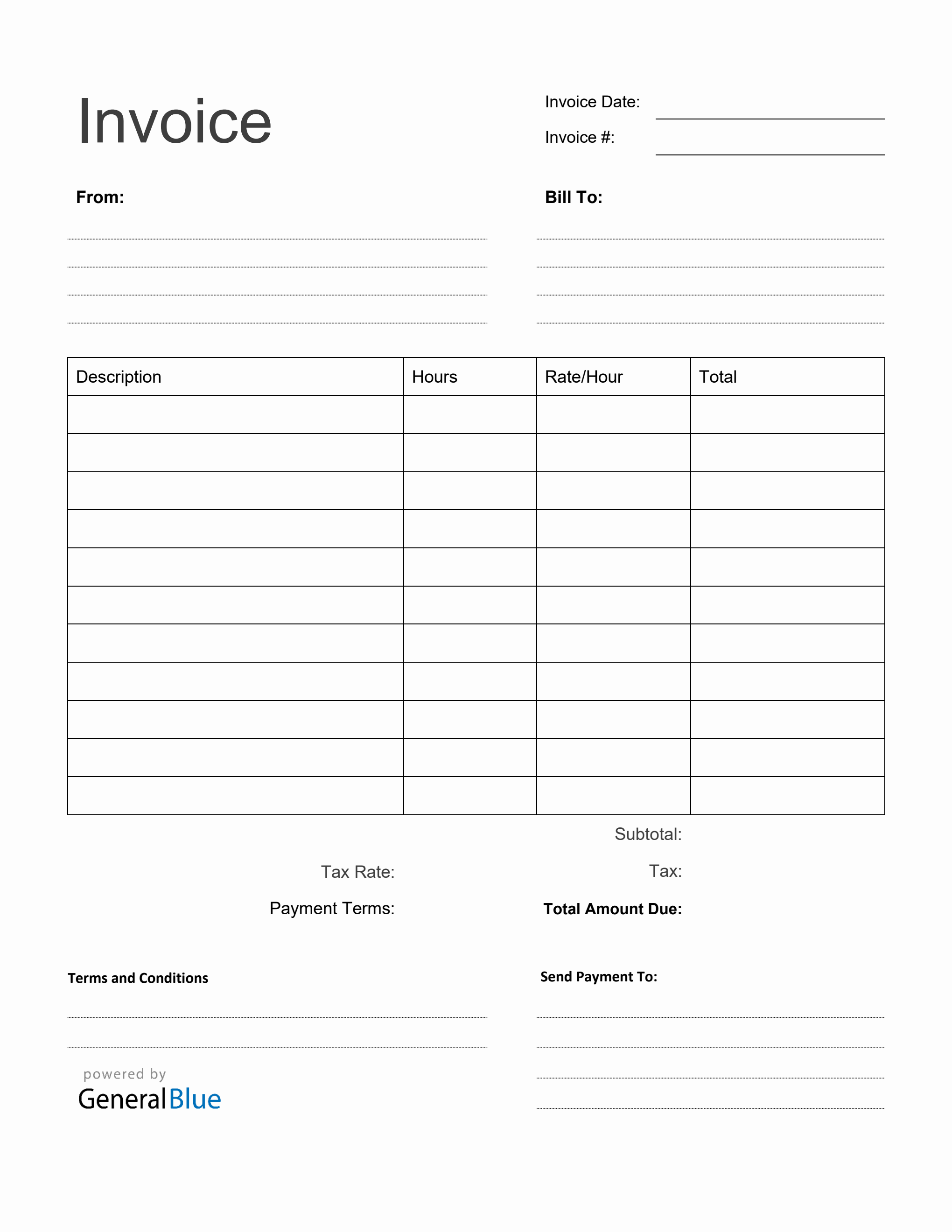
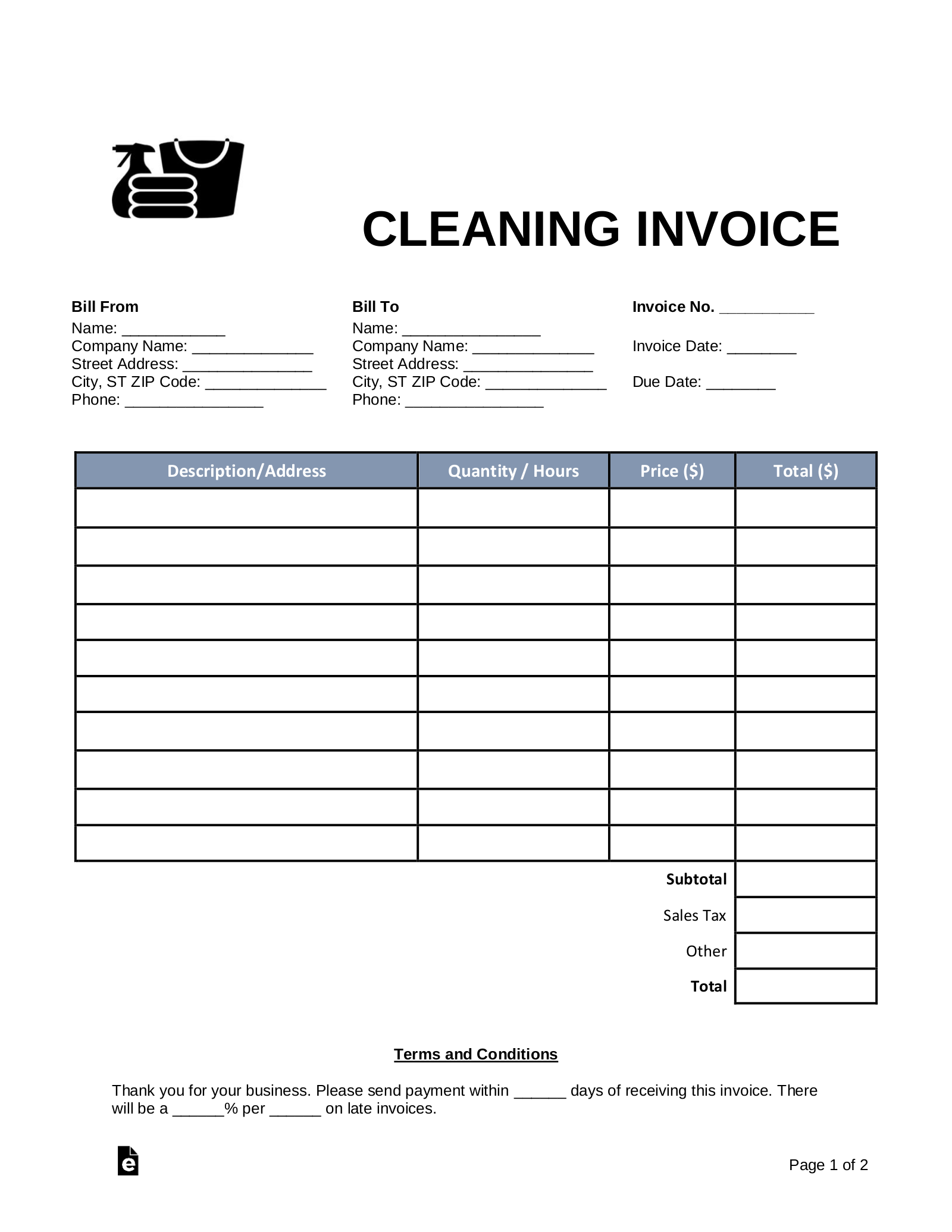
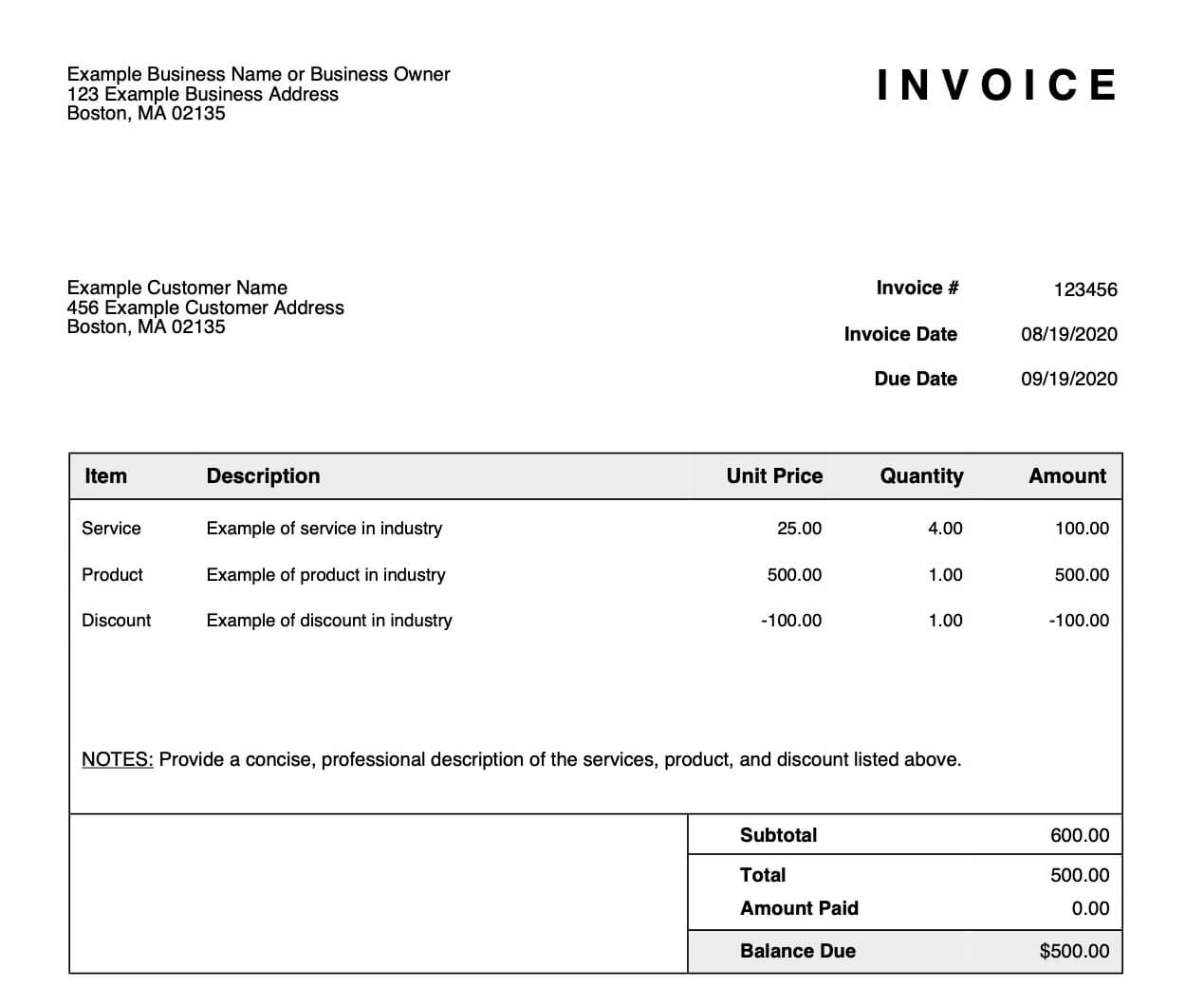
An invoice template is a pre-designed document that outlines the essential information for each invoice. It should include your business details, customer information, services or products sold, payment terms, and payment due date. You can choose from various free invoice templates online or create your own using your invoicing software.
Must-Have Components in an Invoice Template
- Business logo and contact information
- Customer name and address
- Date and invoice number
- Description of services or products
- Quantity and unit price
- Total amount due
- Payment terms and due date
- Payment options (e.g., bank transfer, credit card, etc.)
Step 3: Prepare and Send Invoices
Now that you have your invoicing software and template in place, it's time to prepare and send invoices to your customers. Make sure to review each invoice for accuracy and completeness before sending it. You can send invoices via email, online platforms, or even print and mail them.
Best Practices for Invoicing
- Send invoices promptly after completing a project or providing services
- Use clear and concise language in your invoices
- Incorporate payment terms and due dates clearly
- Provide multiple payment options
- Follow up with reminders and notifications
Step 4: Monitor and Follow Up on Payments
After sending invoices, it's essential to monitor and follow up on payments to ensure timely collection. You can use your invoicing software to track payments, send reminders, and even automate payment follow-ups. Make sure to stay organized and keep a record of all interactions with your customers.
Common Pitfalls to Avoid
- Overlooking small details, such as incorrect addresses or dates
- Failing to follow up on payments
- Not providing clear payment terms and due dates
- Not having a backup plan for delayed payments
Conclusion
Mastering the art of invoicing is a crucial step in running a successful small business. By following the steps outlined in this guide, you'll be able to create professional invoices, track payments, and maintain a healthy cash flow. Remember to stay organized, follow best practices, and be prepared for any unexpected issues that may arise. With the right invoicing software and a clear understanding of the invoicing process, you'll be well on your way to financial stability and business success.