Protecting Network From Ransomware Attacks
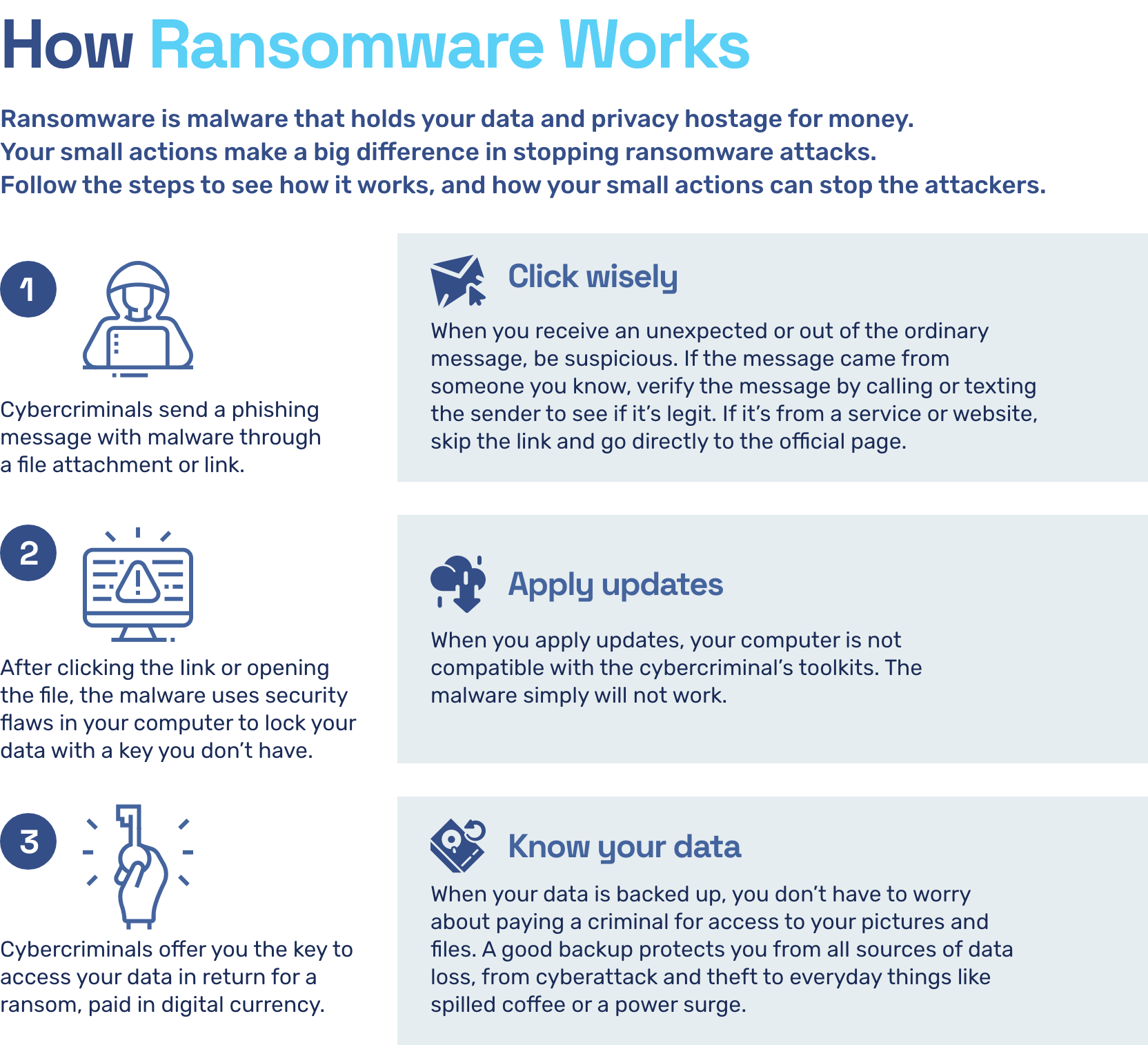
Ransomware is the fastest growing malware threat, targeting users of all types—from home users to corporate networks. On average, more than 4,000 ransomware attacks have occurred daily since January 1, 2016. This is a 300-percent increase over the approximately 1,000 attacks per day seen in 2015.
Understand the Rise of Ransomware Attacks
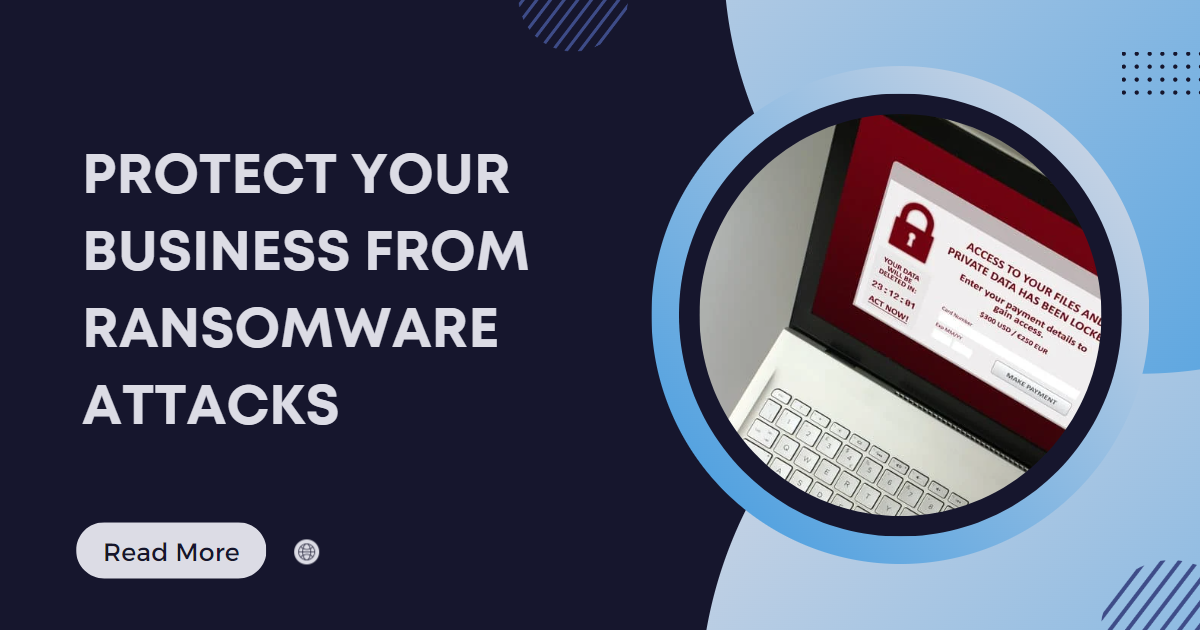
Ransomware attacks are becoming increasingly sophisticated, with cybercriminals using encrypted files and distributed architecture to launch attacks. These attacks not only lock up files and data but also spread across networks and target backup systems, making them more dangerous than ever. The goal of a ransomware attack is to extort money from the victim by threatening to delete or expose their data unless a ransom is paid.
Protect Your Network from Ransomware Attacks
- Keep Your Network and Software Up-to-Date: Ensuring that your network and software are up-to-date with the latest security patches is essential to prevent ransomware attacks. Regularly update your operating system, software, and applications to fix security vulnerabilities.
- Backup Your Data Frequently**: Backing up your data regularly can help you recover quickly in case of a ransomware attack. Consider using a cloud backup service or an external hard drive to store your backups.
- Use Strong Anti-Virus Software**: Installing anti-virus software and keeping it up-to-date can help prevent malware infections. Look for software that includes anti-ransomware protection and real-time protection.
- Use Strong Passwords**: Using strong passwords can help prevent unauthorized access to your network and data. Use a password manager to generate and store unique, complex passwords.
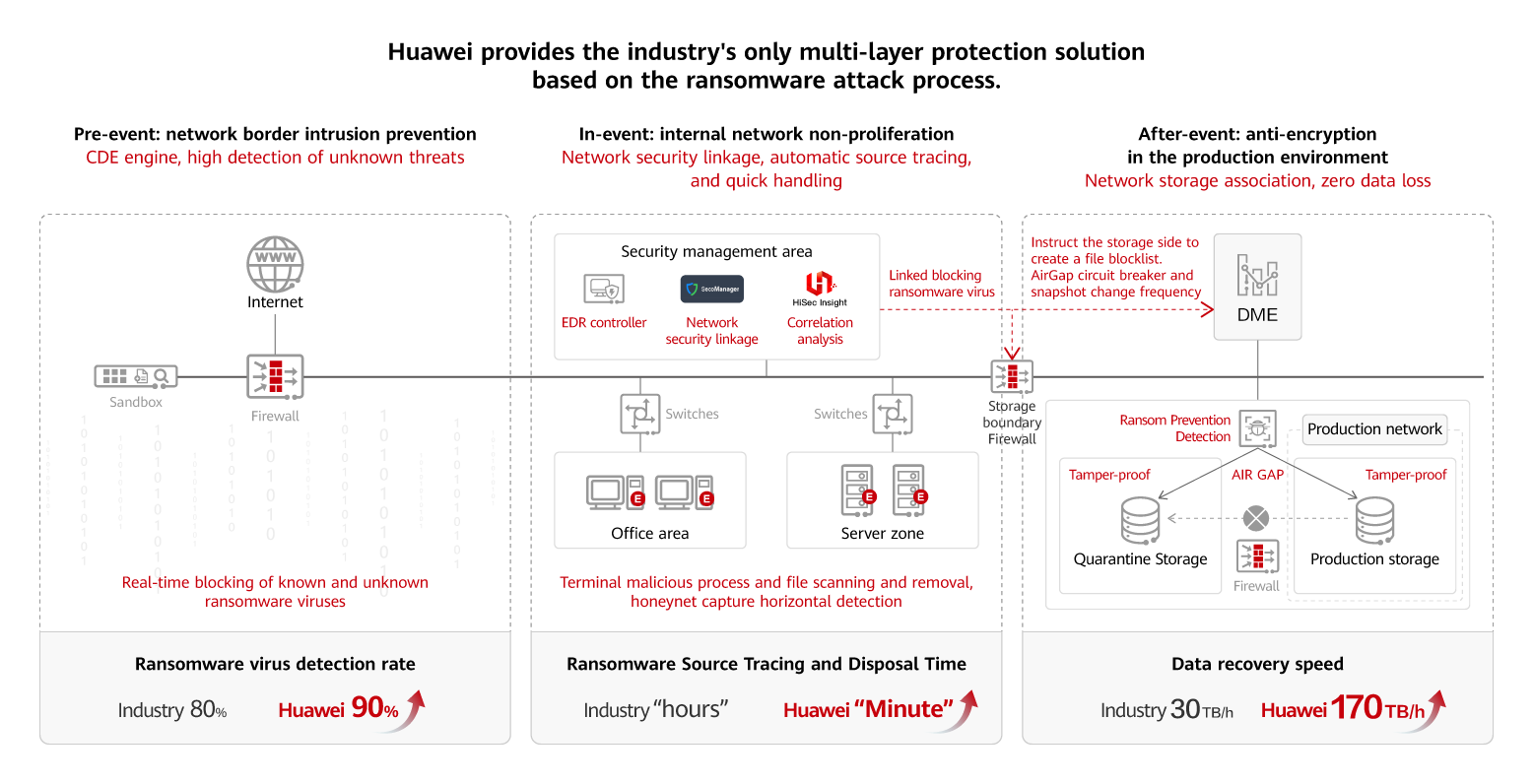
- Use a Firewall**: A firewall can block suspicious traffic and prevent ransomware attacks. Enable the firewall on your computer and network to block unauthorized access.
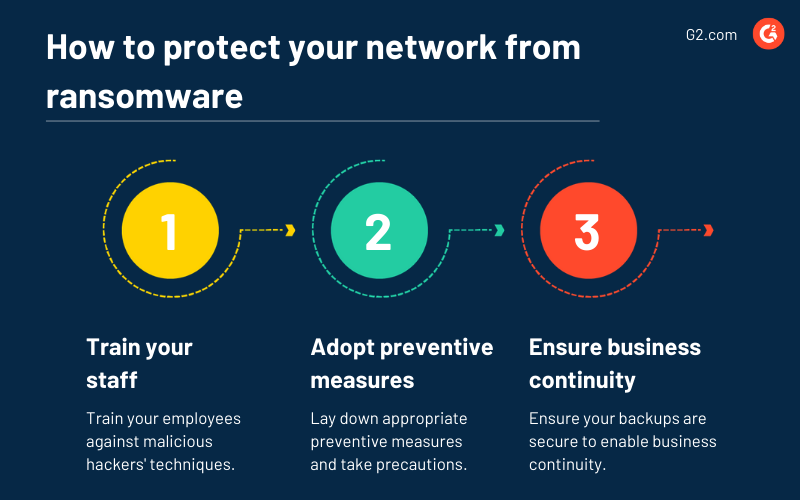
- Train Employees**: Educate your employees on how to identify and prevent ransomware attacks. Regularly train them on phishing, malware, and other types of cyber threats.
- Implement a Incident Response Plan**: Having an incident response plan in place can help you respond quickly and effectively in case of a ransomware attack. This plan should include procedures for containment, eradication, recovery, and post-incident activities.
- Use Network Segmentation**: Network segmentation can help prevent ransomware from spreading across your network. Isolate critical systems and data from the rest of your network to prevent the spread of malware.
Respond to Ransomware Attacks
Responding to a ransomware attack requires a swift and decisive action plan. Here's how to respond to a ransomware attack:

- Disconnect the Infected System**: Immediately disconnect the infected system from the network to prevent the ransomware from spreading.
- Notify Your Team**: Inform your team about the ransomware attack and initiate your incident response plan.
- Containing the Attack**: Contain the attack by isolating the infected system and preventing further data loss. li>Eradicate the Malware**: Use anti-virus software and other tools to remove the malware from your system.
- Recover from the Attack**: Restore your data from backups and recover from the attack.
Protect Your Network from Ransomware Attacks
Protecting your network from ransomware attacks requires a proactive and layered defense strategy. Stay up-to-date with the latest security patches, use strong anti-virus software, and train employees on how to identify and prevent ransomware attacks.
Conclusion
Protecting your network from ransomware attacks is crucial to prevent data loss, downtime, and financial loss. By understanding the rise of ransomware attacks, implementing a proactive defense strategy, and responding quickly and effectively to attacks, you can protect your network from ransomware attacks and ensure business continuity.
Recommendations for Protecting Network from Ransomware Attacks
- Keep your network and software up-to-date.
- Backup your data frequently.
- Use strong anti-virus software.
- Use strong passwords.
- Use a firewall.
- Train employees.
- Implement a incident response plan.
- Use network segmentation.