Protecting Against Ransomware Infections: A Comprehensive Guide
Ransomware incidents can severely impact business processes and leave organizations without the data they need to operate and deliver mission-critical services. The economic and reputational impacts of ransomware incidents, throughout the initial disruption and, at times, extended recovery, have also proven challenging for organizations large and small.
Understanding Ransomware and Its Risks
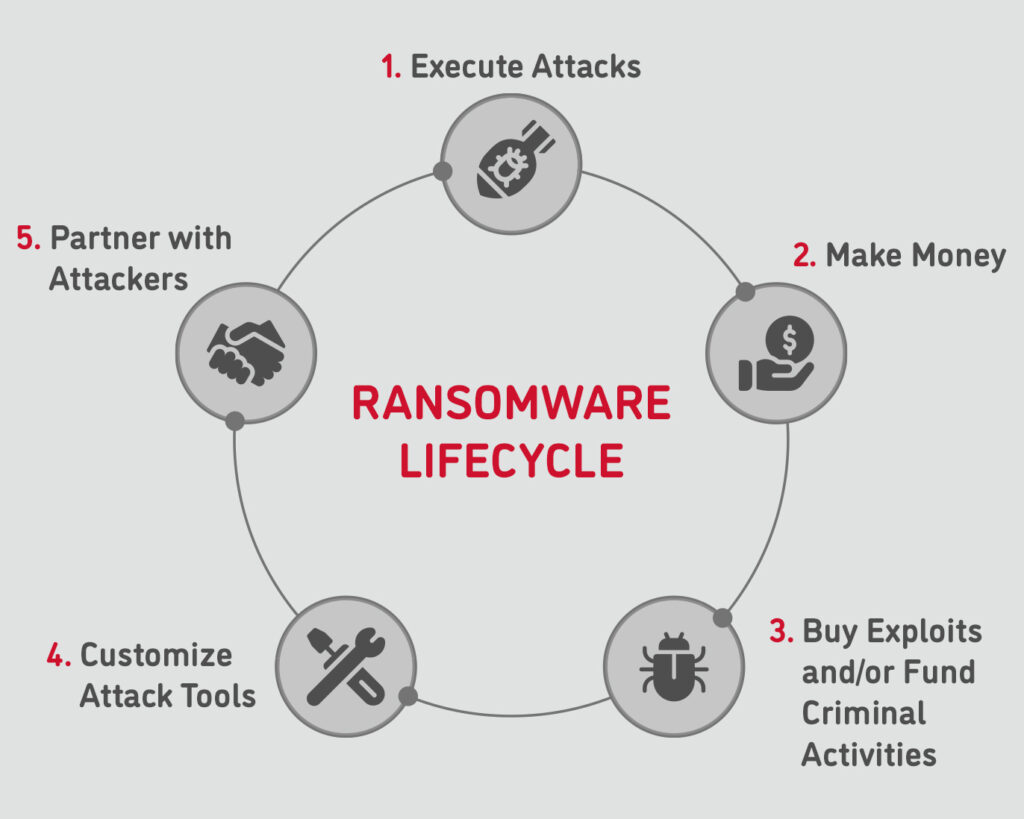
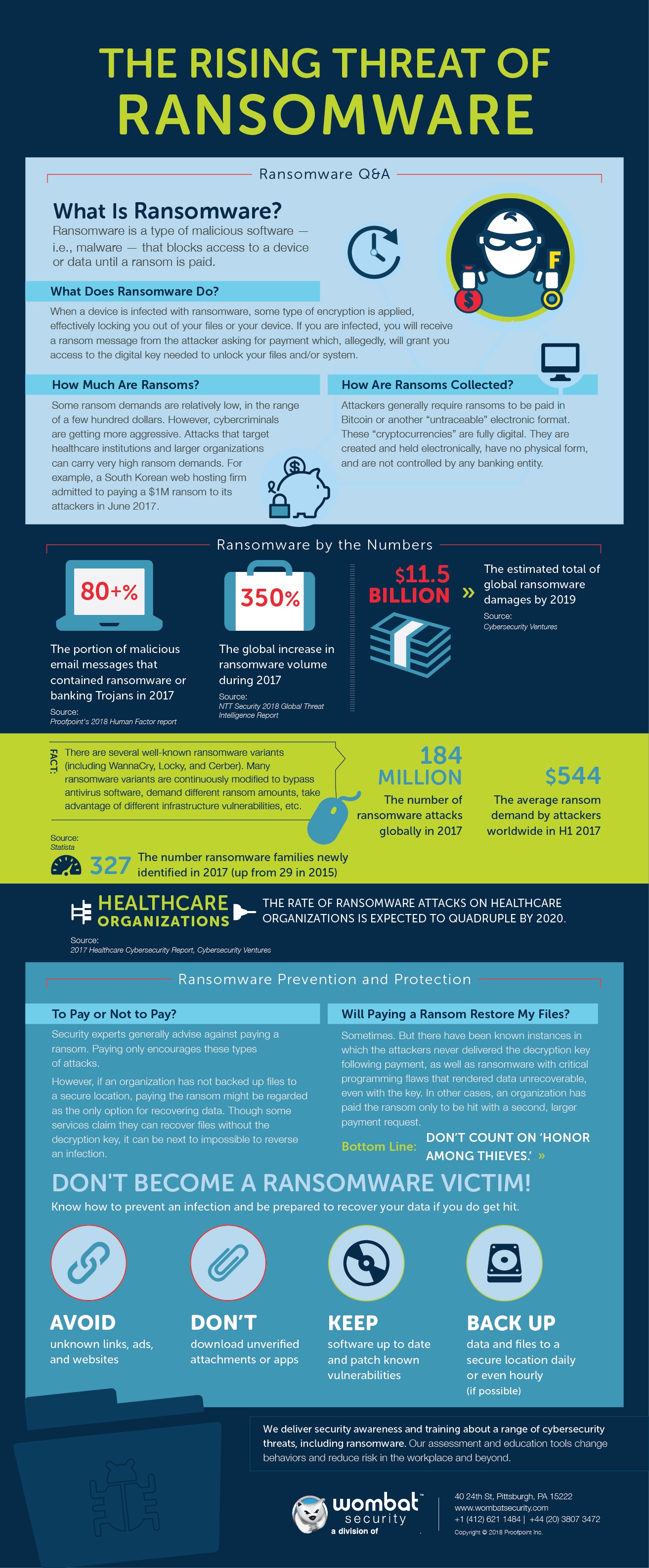
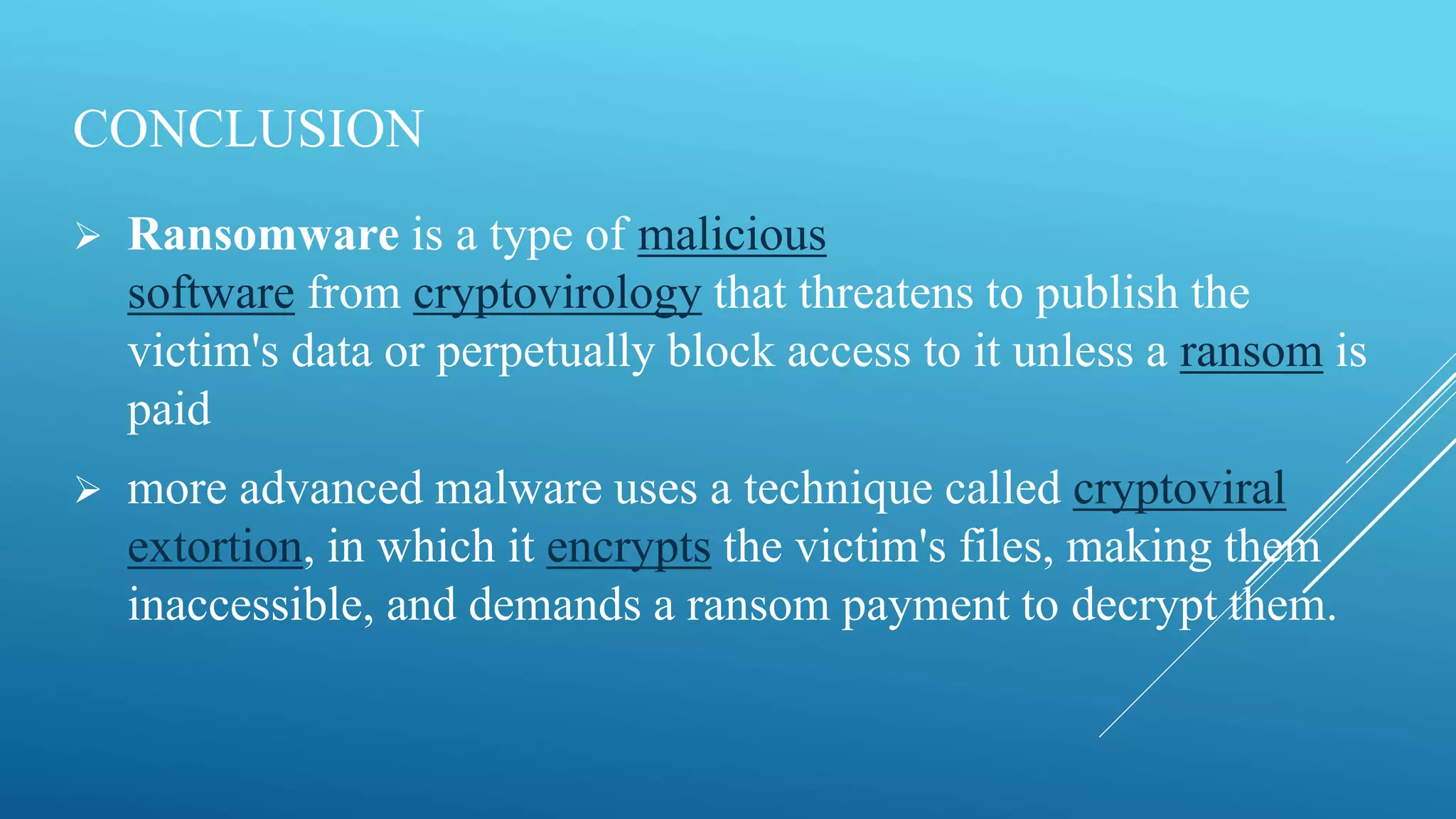
What is ransomware? Ransomware is a type of malware that threatens to publish sensitive information or block access to it unless a ransom is paid. This malicious software encrypts files, making them inaccessible, and demands a ransom in exchange for the decryption key.
Any actions taken to protect against this type of malware (ransomware) are part of protecting against ransomware infections. In addition to infection-prevention measures, it is also essential to use appropriate software to protect against ransomware.
TIPS & GUIDANCE
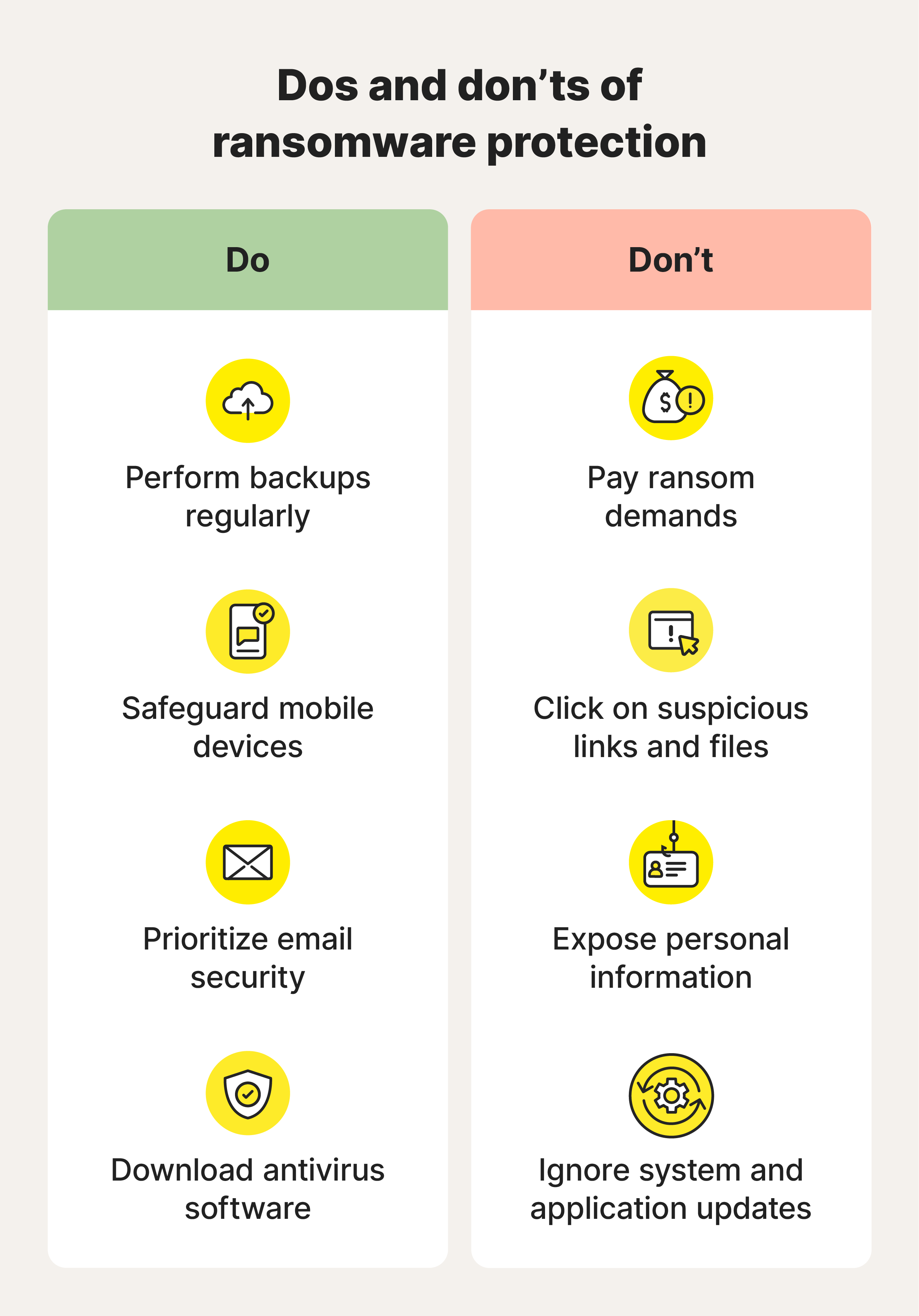
US-CERT recommends that users and administrators take the following preventive measures to protect their computer networks from ransomware infections:
-
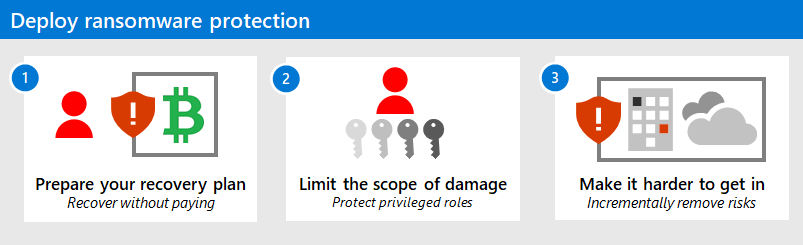
Employ a data backup and recovery plan for all critical information: Regularly back up your data to an external hard drive or cloud storage.
-
Keep your operating systems and software up-to-date: Regularly patching operating systems and applications is a vital defense against vulnerability exploits.
-
Use antivirus software: Install and regularly update antivirus software to protect against malware, including ransomware.
-
Implement two-factor authentication (2FA): Use 2FA to prevent unauthorized access to your computer and data.
-
Be cautious with email attachments and links: Avoid opening suspicious emails and be cautious when clicking on links from unknown sources.
-
Use a firewall: Enable the firewall on your computer and network to block unauthorized access.
-
Monitor your computer for suspicious activity: Regularly monitor your computer for suspicious activity, such as unusual system behavior or unexpected pop-ups.
-
Make backup copies of files: Store backup copies of files on removable media or in online storage to protect your information from malware and computer damage.
-
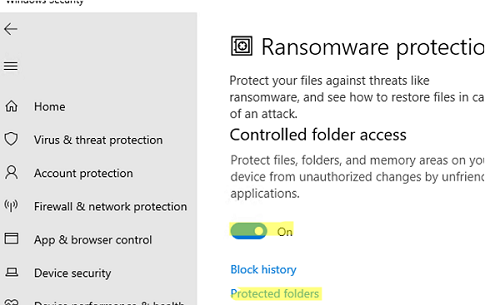
Install and regularly update a modern anti-ransomware solution: This can include tools like Windows Defender or other reputable anti-ransomware software.
-
Implement an email security solution that includes ransomware-specific protection: Optimize your email client to detect and block ransomware.
Protective Measures Against Ransomware
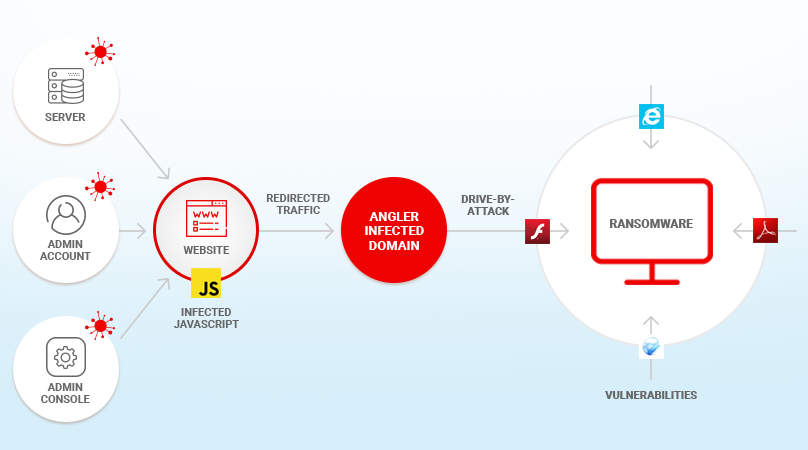
Another effective way to prevent ransomware from entering a network through software vulnerabilities is to use a Ransomware Protection Module. This module is a dedicated behavioral monitor specifically tuned to detect ransomware activity - the rapid, sequential encryption of large numbers of user files.
The Importance of Backup and Recovery
Backing up your data regularly is essential to prevent the negative impact of a ransomware attack. If you do experience a ransomware attack, having a recent backup of your data can minimize the damage and reduce the risk of data loss.
Protecting Against Ransomware Infection
Protecting against ransomware infection requires a multi-layered approach that encompasses both technological measures and behavioral adjustments. It is essential to recognize the avenues through which ransomware can infiltrate devices and take appropriate measures to shield yourself against such threats.
Final Thoughts
Protecting against ransomware infections is essential to prevent the devastating impact of ransomware attacks. By following the preventive measures outlined in this guide and staying proactive, you can reduce the risk of a ransomware attack and minimize the damage if one occurs.